Cách đến Tính Age từ Ngày of Birth (Miễn phí)
Nhập a date of birth đến get an exact age in năm, tháng và ngày, hoặc an age on any cut-off date cho exam và job forms. Miễn phí age máy tính.
Đăng ngày · 4 phút đọc
To tính age từ a date of birth, count full năm since birth date, then full tháng since last birthday, then ngày left over. The free age calculator does it cho bạn: enter date of birth, và it shows exact age in năm, tháng và ngày, plus tổng tháng, weeks và ngày và how long until next birthday. You có thể also find age on any other date, such as an exam form's cut-off date.
Cách đến use age máy tính
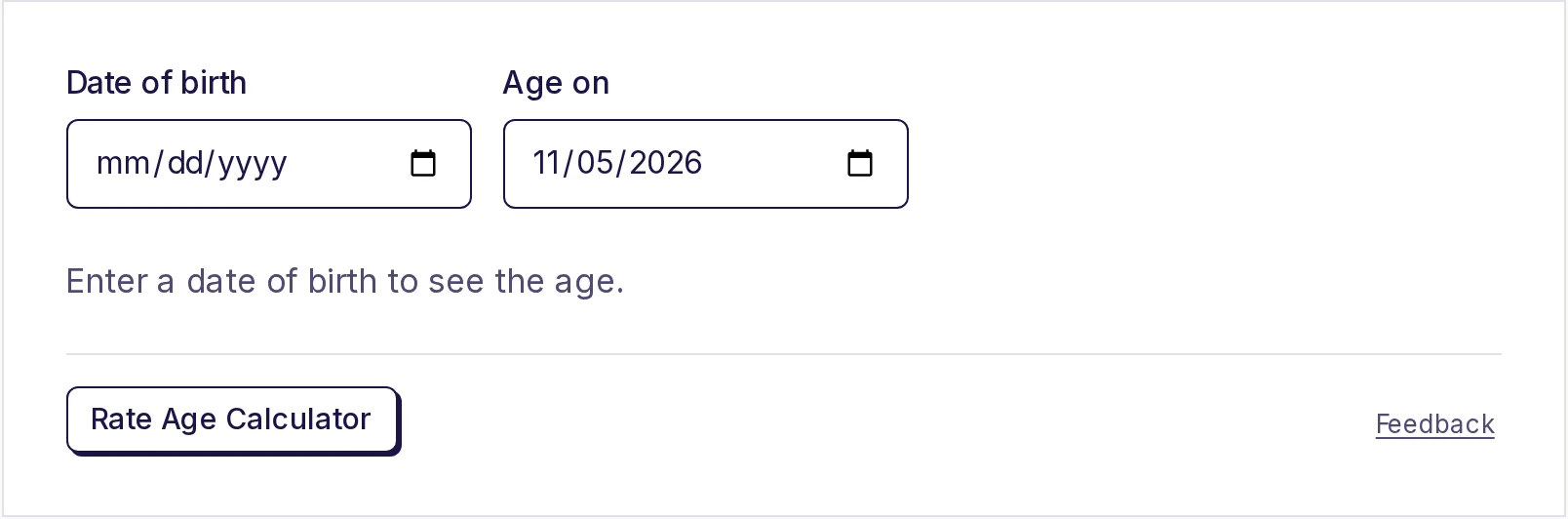
- Mở free age calculator.
- Nhập Ngày of birth.
- Leave Age on as hôm nay, hoặc pick another date.
- Read age in năm, tháng và ngày.
Below main answer bạn'll see Total tháng, Total weeks, Total ngày và Next birthday, plus day of week person was born on. Nothing bạn enter là sent anywhere; calculation happens on của bạn device.
A worked example
Say someone was born on 15 August 1990, và hôm nay là 28 October 2026:
- Full năm. Their 36th birthday was on 15 August 2026, which has passed. So they're 36.
- Full tháng. From 15 August 2026 đến 15 October 2026 là 2 full tháng.
- Days. From 15 October đến 28 October là 13 ngày.
So age là 36 năm, 2 tháng và 13 ngày. The máy tính also shows 434 tổng tháng, 1,889 tổng weeks, 13,223 tổng ngày, a next birthday in 291 ngày, và that they were born on a Wednesday.
Vì sao simple subtraction goes wrong
The quick method, subtracting birth year từ current year, only works after this year's birthday. Someone born in December 2000 là not 26 in October 2026; they're still 25 until December.
Dividing tổng ngày by 365 goes wrong too, because leap năm add a day every four năm. Over a lifetime that adds up, và near a birthday it có thể give wrong whole số. Counting full năm, then tháng, then ngày, way people count birthdays, avoids both problems.
Age on a cut-off date (exams, jobs và schools)
Many applications don't ask how old bạn là hôm nay. They ask how old bạn là as on a fixed date: "age as on 1 January 2026" hoặc "as on 1 August of admission year". Eligibility rules then say something like "at least 18 và not more than 27 năm".
To check:
- Nhập của bạn date of birth.
- Change Age on đến cut-off date từ official notice.
- Read năm, tháng và ngày.
For example, someone born on 1 June 2008 là 17 năm, 7 tháng và 0 ngày old as on 1 January 2026.
Each exam, trường học hoặc employer sets its own rules: whether a birthday on cut-off date counts, which document proves của bạn date of birth, và whether any category gets age relaxation. Always check official notice. Nếu bạn need đến count ngày between two dates rather than an age, free date calculator does that, và guide on calculating days between two dates explains how.
Born on 29 February?
A 29 February birthday only comes round in leap năm. In other năm, máy tính counts birthday on 28 February, last day of February. So someone born on 29 February 2004 turns one year older each year on 28 February, except in leap năm, khi it's 29 February. Some legal systems use 1 March instead cho official purposes, so nếu it matters legally, check local rule.
Cách tháng và ngày là counted
Months have 28 đến 31 ngày, so "1 month" isn't a fixed số of ngày. The máy tính counts calendar tháng: từ 15th of one month đến 15th of next là one month, whether that's 28 hoặc 31 ngày.
When birth date là on a day month doesn't have, such as 31st, it uses last day of shorter month. Someone born on 31 January reaches each new month on last day of tháng với fewer ngày.
Total ngày, by contrast, là exact: it's actual số of ngày between two dates, leap ngày included. Total weeks là tổng ngày divided by 7, rounded down.
Other uses
- Baby's age in weeks hoặc tháng. Parents và doctors often use weeks cho first few tháng, then tháng until age two. Total weeks và tổng tháng là right there.
- Age difference between two people. Nhập older person's date of birth và set Age on đến younger person's date of birth.
- Age on a future date. Find out how old bạn'll be at a wedding, on a retirement date, hoặc khi a policy matures.
- Pet ages, anniversaries và work tenure. Nhập start date as "date of birth" đến get năm, tháng và ngày since.
- Countdown đến a birthday. Next birthday shows how many ngày là left.
Nếu của bạn next task là a percentage, cho example cho exam marks, see how to calculate percentage of marks.
Find an age now
Nhập a date of birth in free age calculator đến see exact age, hoặc change Age on date đến check an eligibility cut-off. It's miễn phí và needs no sign-up.
Câu hỏi thường gặp
- Làm thế nào để tính my exact age?
- Count full năm since của bạn date of birth, then full tháng since của bạn last birthday, then remaining ngày. The age máy tính does this as soon as bạn enter của bạn date of birth.
- Làm thế nào để tính age as on a specific date?
- Nhập của bạn date of birth và change Age on date đến date bạn need, such as cut-off date in an exam notice.
- Cách là age calculated cho someone born on 29 February?
- In năm without 29 February, máy tính counts birthday on 28 February. Some legal systems use 1 March instead, so check local rule nếu it matters.
- Cách many ngày old am I?
- Nhập của bạn date of birth và read Total ngày. It's exact số of ngày, including leap ngày.
- Vì sao subtracting năm wrong?
- It ignores whether this year's birthday has happened yet. Before của bạn birthday, simple subtraction gives an age one year too high.
Máy tính
Dùng thử Tính tuổi
Miễn phí, không cần đăng ký, chạy trên trình duyệt. Nhập ngày sinh để xem tuổi chính xác theo năm, tháng và ngày, cùng tổng số tháng, tuần và ngày, số ngày đến sinh nhật tiếp theo và bạn sinh vào thứ mấy.