Miễn phí Random Team Generator: Split a Group into Teams
Split a class hoặc office group into fair random teams in under a minute. Paste names, set team size, và pick one team at a time. Miễn phí, no sign-up.
Đăng ngày · 5 phút đọc
To make random teams, paste everyone's name into free random name picker, one per line. Set Winners per pick đến team size, keep Remove winner after each pick ticked, và click Pick a name. Each pick draws a whole team at once và takes those people off wheel, so next pick builds next team từ whoever là left. Nobody lands in two teams, và nobody có thể say captain chose their friends.
Picking teams by hand là where group work goes wrong before it starts. Captains pick their friends, same quiet học sinh get chosen last, và "strong" table always ends up together. A random team generator fixes that in one move, và it's quicker than counting off around room.
Cách đến use random team generator
- Mở free random name picker.
- Delete sample names và paste của bạn list into Names, one per line. A column copied từ a spreadsheet hoặc register works; each row becomes one line. The counter shows how many là on wheel.
- Set Winners per pick đến số of people per team, cho example 5.
- Check that Remove winner after each pick là ticked. It là ticked by default in name picker.
- Nhấp Pick a name. The wheel spins và result box lists 5 names: that's Team 1.
- Nhấp Pick again. The 5 names bạn just drew come off wheel first, then next 5 là drawn: Team 2.
- Don't edit names between picks: changing list cancels removal of last team, so its members would go back into draw. Keep going until everyone là placed. The Results list on right keeps last 20 names, newest at top, but it's safer đến write each team on board hoặc in a doc as it appears.
The draw là made với của bạn browser's secure random source, và every name still on wheel has same chance. The spin animation là just cho show: winners là chosen first, then wheel turns đến land on them.
Working out team size
Divide số of people by số of teams bạn want. Nếu it doesn't divide evenly, bạn have two choices: round up, so last pick là a smaller team, hoặc round down, so a few people là left over đến add đến existing teams.
| People | Teams wanted | Winners per pick | Điều gì bạn get |
|---|---|---|---|
| 24 | 4 | 6 | Four teams of 6 |
| 30 | 6 | 5 | Six teams of 5 |
| 27 | 4 | 7 (rounded up) | 7, 7, 7, và a last pick of 6 |
| 32 | 5 | 6 (rounded down) | Five teams of 6, then 2 left over |
When there là only a few people left, bạn don't need đến pick them. In 32-person example, last 2 names có thể each join a team: spin wheel với team names (Team 1 đến Team 5) đến decide which ones get a sixth member, so that's random too. Công cụ miễn phí wheel spinner là good cho that.
The fastest way cho big groups: shuffle và count off
With 60 hoặc 90 people, picking a team at a time gets slow. Shuffle list once instead:
- Paste names into free alphabetizer và choose Shuffle in Sort menu.
- The Result box shows whole list in a random order.
- Take first 5 lines as Team 1, next 5 as Team 2, và so on.
Every order là equally likely, so this là exactly as fair as picking team by team. Our guide on how to shuffle a list randomly explains why. The name picker holds up đến 200 names; alphabetizer handles much longer lists, which makes it better choice cho a whole year group.
Fair doesn't always mean random
Pure randomness có thể still produce a lopsided team now và then: all four of strongest người chơi together, hoặc a team với nobody who speaks main language of project. Nếu balance matters, use a light-touch method that still keeps draw random:
- Seed captains first. Put 4 strongest người chơi (hoặc 4 volunteers who sẽ lead) on their own wheel, và give one đến each team. Then draw rest với picker as usual.
- Draw từ groups. Split class into two lists, cho example Year 7 và Year 8, hoặc new staff và long-timers. Pick 3 từ first list và 2 từ second cho each team.
- Separate people who shouldn't be together. Treat them like captains: take both names off list before draw, place them in different teams yourself, và let picker fill in everyone else.
Tell group what bạn did before bạn draw. "Captains là fixed, everyone else là random" là easy đến accept; a quiet re-draw because bạn didn't like result isn't.
Ideas cho using random teams
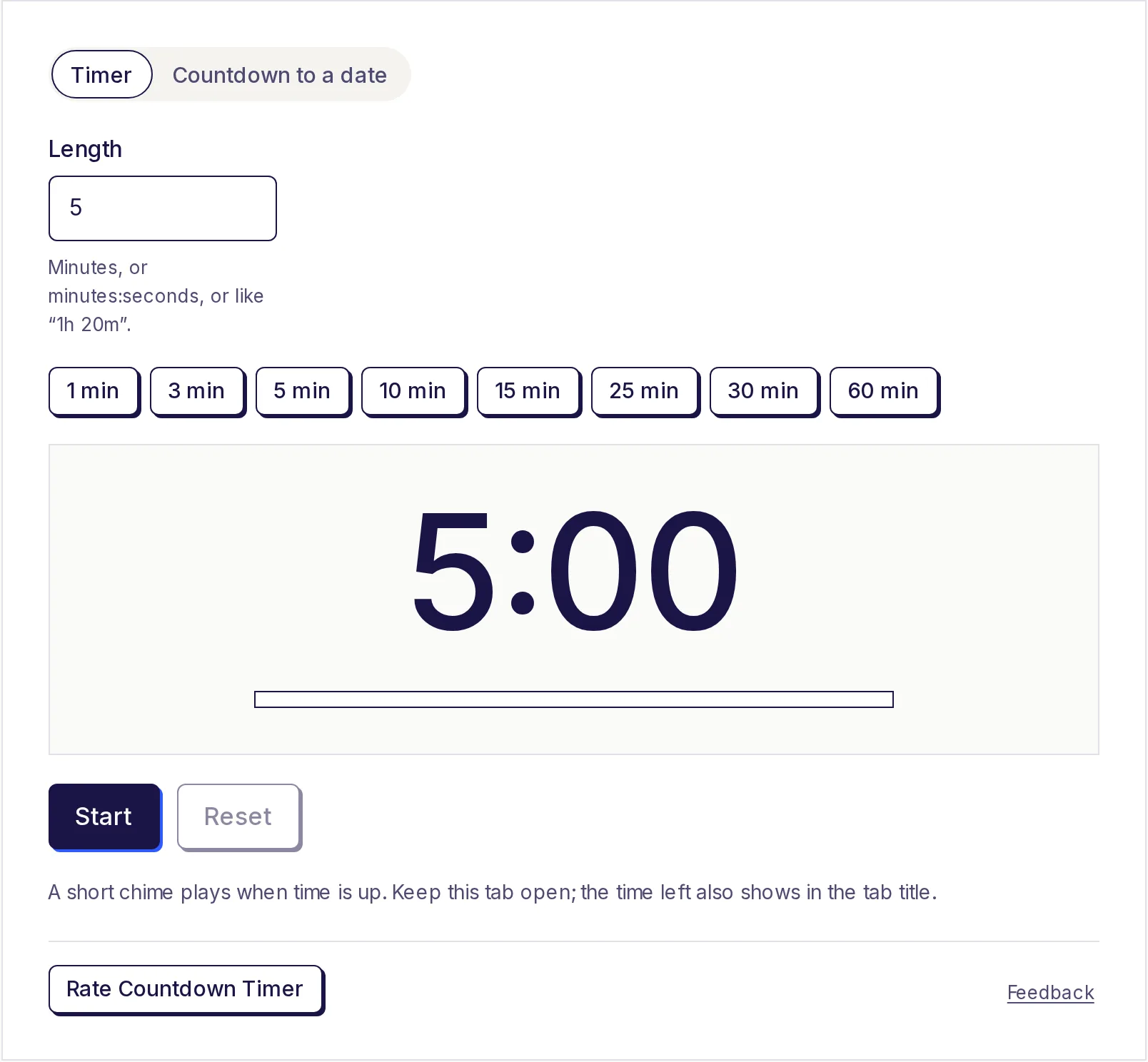
Dùng Winners per pick = 2 cho lab partners hoặc pairs. The same draw suits quiz nights, sports ngày, office icebreakers, weekly study groups và debate sides. For a classroom, add a countdown timer so each team gets same time; see classroom timer ideas.
Save class list cho next time
Nhấp Copy link after bạn paste names. The list là stored inside link itself, so bạn có thể bookmark it hoặc paste it into của bạn lesson notes, và next week wheel opens với same class ready đến go. The names aren't saved on our servers; they only travel in link nếu bạn share it.
Make của bạn teams now
Paste names, set team size, và pick team by team, live on projector so everyone sees it's fair. The free random name picker runs in của bạn browser, needs no account, và keeps của bạn class list on của bạn device.
Câu hỏi thường gặp
- Làm thế nào để split a list into random groups?
- Paste names into random name picker, set Winners per pick đến group size, và pick repeatedly với "Remove winner after each pick" ticked. Each pick gives bạn one complete group.
- Điều gì happens nếu numbers don't divide evenly?
- The last pick simply takes whoever là left, so one team là smaller. Or stop khi only a few people remain và add one each đến existing teams, using wheel spinner đến choose which teams.
- Tôi có thể make pairs instead of teams?
- Yes. Set Winners per pick đến 2 và keep picking. With an odd số of people, last person joins any pair đến make a group of three.
- Is team picker really random?
- Yes. Every name left on wheel has same chance on each pick, using browser's secure random source. Where wheel starts hoặc how it spins makes no difference.
- Cách many names có thể I add?
- Up đến 200 on wheel. For larger groups, shuffle whole list với miễn phí alphabetizer và count off in blocks.
- Are names uploaded anywhere?
- No. The list stays on của bạn device. It's only in link nếu bạn click Copy link và share it.
Trình tạo
Dùng thử Chọn tên ngẫu nhiên
Miễn phí, không cần đăng ký, chạy trên trình duyệt. Dán danh sách tên, quay vòng quay và chọn một tên ngẫu nhiên, hoặc rút nhiều người thắng cùng lúc.
Cũng hữu ích
- Sắp xếp danh sách theo ABCSắp xếp danh sách bất kỳ theo thứ tự bảng chữ cái, từ A đến Z hoặc Z đến A, theo số hoặc độ dài, đảo ngược hoặc xáo trộn, và bỏ mục trùng cùng dòng trống. Dán mỗi mục một dòng hoặc phân cách bằng dấu phẩy, rồi sao chép hoặc tải danh sách đã sắp xếp về.
- Vòng quay may mắnNhập các lựa chọn, quay vòng quay và để nó quyết định: có hay không, tối nay ăn gì, ai đi trước hoặc phần thưởng trong lớp. Mọi mục đều có cơ hội như nhau, người thắng có thể được bỏ khỏi vòng quay trong lúc chơi, và bạn có thể chia sẻ vòng quay bằng một liên kết.
- Đồng hồ đếm ngượcĐặt hẹn giờ online với thời lượng bất kỳ tối đa 100 giờ, kèm tiếng chuông khi hết giờ, hoặc đếm ngược số ngày, giờ, phút và giây đến một ngày cụ thể, như ngày lễ, kỳ thi hay ngày ra mắt, và chia sẻ bộ đếm ngược bằng đường liên kết.