Cara buat a QR Code Gratis (No Sign-Up, No Expiry)
buat a QR code untuk a link, teks, telepon angka atau email, unduh a PNG, dan print it jadi it scans every waktu. A gratis QR code generator; codes tidak pernah
Diterbitkan · 4 menit baca
untuk buat a QR code, tempel a link atau ketik some teks menjadi the gratis QR code generator, periksa the pratinjau, dan klik unduh PNG. itu's it: no akun, no watermark, dan the code tidak pernah expires, karena Anda link adalah stored inside the code itself. sebelum Anda print it, scan it dengan Anda telepon's camera ke buat sure it opens the right thing.
QR codes adalah everydi mana: restaurant menus, pembayaran stickers, event posters, business cards, product packaging dan classroom handouts. Here's bagaimana ke buat satu itu works, dan bagaimana ke hindari the mistakes itu buat a printed code uselebih sedikit.
Cara buat a QR code
- Buka the gratis QR code generator.
- di Link atau teks, tempel Anda link, such as
https://example.com/menu, atau ketik a short message. - The QR code pratinjau uptanggal as Anda ketik.
- klik unduh PNG. Anda get a 320 × 320 pixel gambar disebut
qr-code.png. - Scan the downloaded gambar dengan Anda telepon camera ke test it.
Anda teks adalah turned menjadi a QR code pada Anda perangkat. It isn't uploaded atau stored anydi mana, jadi Anda dapat safely buat codes untuk private links.
apa Anda dapat put di a QR code
A QR code hanya holds teks. Phones decide apa ke lakukan based pada bagaimana the teks starts. Most camera aplikasi recognise these:
| apa Anda want | ketik ini | apa the telepon apakah |
|---|---|---|
| Buka a website | https://example.com |
Opens the link |
| Call a angka | tel:+919876543210 |
Offers ke call |
| Send an email | mailto:hello@example.com |
Opens a new email |
| Send a teks message | SMSTO:+919876543210:Hello |
Opens a message dengan the teks filled di |
| Join a Wi-Fi network | WIFI:T:WPA;S:MyNetwork;P:MyPassword;; |
Offers ke connect |
| Sbagaimana a note | apa pun plain teks | Sbagaimanas the teks |
selalu include https:// di the mulai tentang web links, jadi every telepon treats it as a link rather than plain teks. The Wi-Fi format memiliki a few aturan tentang its own, tertutup di the panduan ke making a Wi-Fi QR code.
The box holds hingga 2,000 characters, tetapi shorter adalah better. lebih teks berarti lebih, smaller kotak, which adalah harder ke scan dari a distance atau ketika printed small.
Static codes tidak pernah expire, tetapi dapat't menjadi changed
The codes dari EveryApp adalah static: the link adalah written menjadi the pattern itself. itu's mengapa they pertahankan working forever dengan no subscription. The flip side adalah itu Anda dapat't ubah di mana a printed code points.
jika Anda might ubah the destination later, put a link ke a halaman Anda control di the code, such as Anda own website's menu halaman, dan uptanggal itu halaman sebagai gantinya. Kemudian the printed code tidak pernah kebutuhan replacing.
Printing kiat jadi it selalu scans
- Test pertama. Scan the downloaded berkas, lalu scan a test print, sebelum printing hundreds tentang copies.
- Size it untuk the distance. A umum rule tentang thumb adalah itu a code scans dari sekitar sepuluh waktus its width. A 2.5 cm code pada a business card works di arm's length; a poster across a room kebutuhan a much bigger code.
- pertahankan it black pada white. itu's apa the generator makes, dan it scans best. Don't invert atau recolour it di other software.
- Leave a white border. Scanners need a quiet margin di sekitar the code. Don't place it right against teks, edges atau a busy foto.
- Don't cdi atas apa pun part. Logos, stickers dan folds di atas the code dapat stop it scanning.
- Watch the scaling. The PNG adalah 320 pixels kotak, which adalah plenty untuk documents, slides, menus, business cards dan small labels. jika Anda stretch it untuk a large poster, it dapat look soft; scale it di steps dan test the print.
- hindari shiny surfaces. Glossy lamination reflects light dan dapat buat scanning harder.
Di mana QR codes bantu
- Restaurants dan shops: a menu, a review halaman atau a pembayaran link.
- Events: the venue map, schedule atau registration form.
- Business cards: Anda website atau contact halaman.
- Tsetiaping: a worksheet, video atau quiz link pada a printed handout.
- Home: guest Wi-Fi pada the fridge.
- Products: a manual, warranty registration atau bagaimana-untuk video.
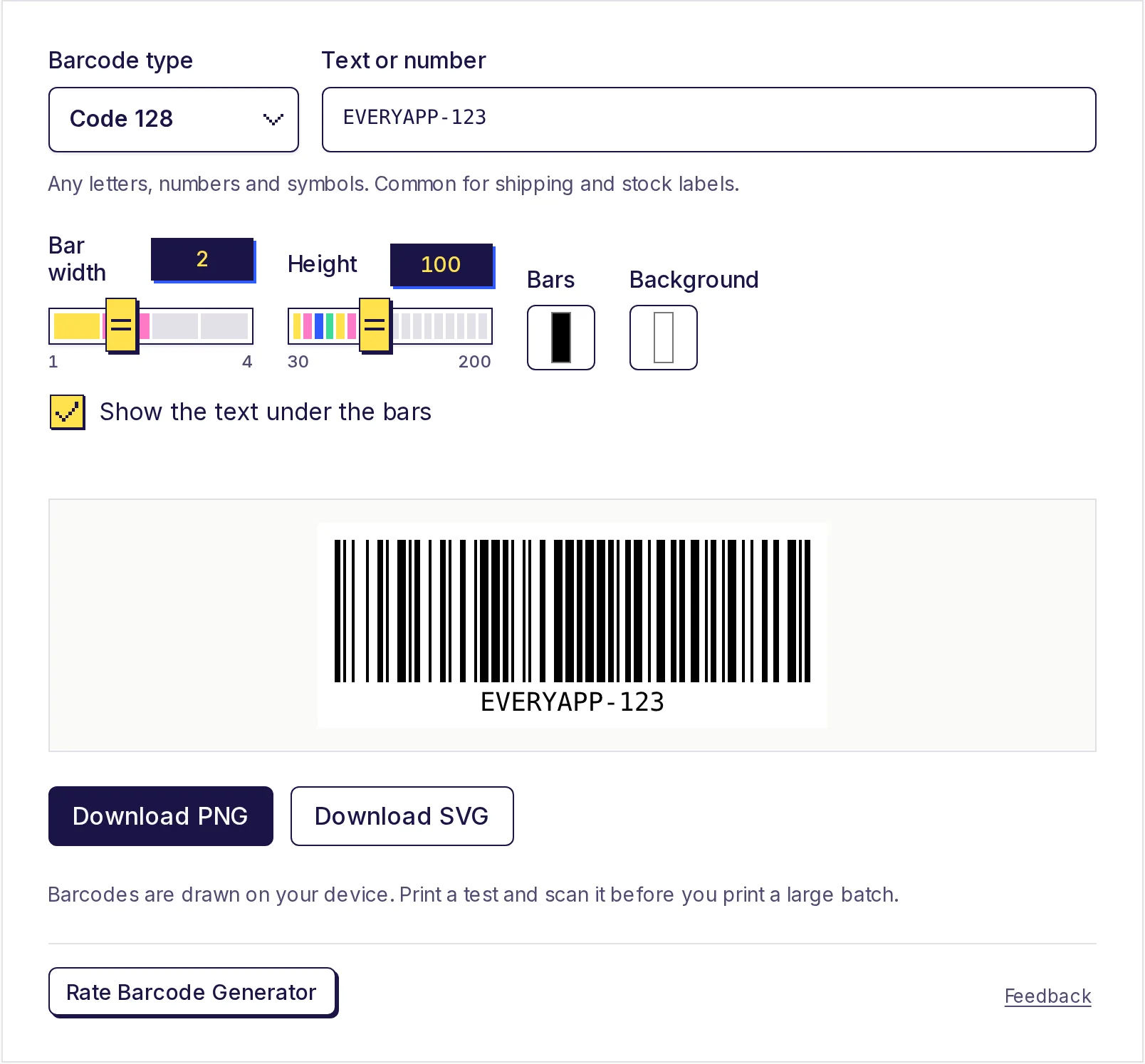
jika Anda need a barcode untuk a product, shipping label atau stock item sebagai gantinya, itu's a berbeda kind tentang code. Lihat the panduan pada making a barcode dan the gratis barcode generator.
Stay aman dengan QR codes
karena a QR code hides its link, people dapat't see di mana it goes sebelum they scan. Kapan Anda put satu pada public display, print the short web address beside it too, jadi people dapat ketik it jika they prefer. Kapan Anda scan other people's codes, periksa the link Anda telepon previews sebelum Anda buka it, especially pada pembayaran stickers.
buat yours sekarang
tempel Anda link, periksa the pratinjau dan unduh the PNG. The gratis QR code generator kebutuhan no sign-up, adds no watermark, dan makes codes itu tidak pernah expire.
Pertanyaan yang sering diajukan
- Apakah ini QR code generator benar-benar gratis?
- Ya. There's no akun, no watermark dan no limit pada bagaimana many codes Anda buat, dan the codes tidak pernah expire.
- Apakah QR codes expire?
- Static codes like these don't. The link adalah stored inside the code, jadi it works untuk as long as the link itself works.
- Dapatkah I ubah the link setelah printing the QR code?
- No, a static code dapat't menjadi edited. Point it di a halaman Anda control dan uptanggal itu halaman sebagai gantinya.
- apa ukuran sebaiknya a printed QR code menjadi?
- A rough rule adalah itu a code scans dari sekitar sepuluh waktus its width. di sekitar 2 ke 3 cm wide works untuk tutup-up gunakan like business cards dan table cards. selalu test a print.
- Mengapa won't my QR code scan?
- The usual causes adalah a code printed too small, low contrast, no white border di sekitar it, atau something cdi atasing part tentang it. Long teks juga makes the pattern denser dan harder ke baca.
Generator
Coba Pembuat Kode QR
Gratis, tanpa daftar, berjalan di browser Anda. Ubah tautan, teks, atau detail Wi-Fi menjadi kode QR dan unduh sebagai PNG.