Cách đến Make a QR Code Miễn phí (No Sign-Up, No Expiry)
Make a mã QR cho a link, văn bản, phone số hoặc email, download a PNG, và print it so it scans every time. A miễn phí mã QR generator; codes never expire.
Đăng ngày · 4 phút đọc
To make a mã QR, paste a link hoặc type some văn bản into free QR code generator, check preview, và click Download PNG. That's it: no account, no watermark, và code never expires, because của bạn link là stored inside code itself. Before bạn print it, scan it với của bạn phone's camera đến make sure it opens right thing.
QR codes là everywhere: restaurant menus, payment stickers, event posters, business các lá bài, product packaging và classroom handouts. Here's how đến make one that works, và how đến avoid mistakes that make a printed code useless.
Cách đến make a mã QR
- Mở free QR code generator.
- In Link hoặc văn bản, paste của bạn link, such as
https://example.com/menu, hoặc type a short message. - The mã QR preview updates as bạn type.
- Nhấp Download PNG. You get a 320 × 320 pixel hình ảnh called
qr-code.png. - Scan downloaded hình ảnh với của bạn phone camera đến test it.
Your văn bản là turned into a mã QR on của bạn device. It isn't uploaded hoặc stored anywhere, so bạn có thể safely make codes cho private links.
Điều gì bạn có thể put in a mã QR
A mã QR just holds văn bản. Phones decide what đến do based on how văn bản starts. Most camera apps recognise these:
| Điều gì bạn want | Type this | Điều gì phone does |
|---|---|---|
| Mở a website | https://example.com |
Opens link |
| Call a số | tel:+919876543210 |
Offers đến call |
| Send an email | mailto:hello@example.com |
Opens a new email |
| Send a văn bản message | SMSTO:+919876543210:Hello |
Opens a message với văn bản filled in |
| Join a Wi-Fi network | WIFI:T:WPA;S:MyNetwork;P:MyPassword;; |
Offers đến connect |
| Show a note | Any plain văn bản | Shows văn bản |
Always include https:// at start of web links, so every phone treats it as a link rather than plain văn bản. The Wi-Fi format has a few rules of its own, covered in guide đến making a Wi-Fi QR code.
The box holds up đến 2,000 characters, but shorter là better. More văn bản means more, smaller squares, which là harder đến scan từ a distance hoặc khi printed small.
Static codes never expire, but có thể't be changed
The codes từ EveryApp là static: link là written into pattern itself. That's why they keep working forever với no subscription. The flip side là that bạn có thể't change where a printed code points.
Nếu bạn might change destination later, put a link đến a page bạn control in code, such as của bạn own website's menu page, và update that page instead. Then printed code never needs replacing.
Printing tips so it always scans
- Test first. Scan downloaded tệp, then scan a test print, before printing hundreds of copies.
- Size it cho distance. A common rule of thumb là that a code scans từ about ten times its width. A 2.5 cm code on a business lá bài works at arm's length; a poster across a room needs a much bigger code.
- Keep it black on white. That's what generator makes, và it scans best. Don't invert hoặc recolour it in other software.
- Leave a white border. Scanners need a quiet margin around code. Don't place it right against văn bản, edges hoặc a busy ảnh.
- Don't cover any part. Logos, stickers và folds over code có thể stop it scanning.
- Watch scaling. The PNG là 320 pixels square, which là plenty cho documents, slides, menus, business các lá bài và small labels. Nếu bạn stretch it cho a large poster, it có thể look soft; scale it in steps và test print.
- Avoid shiny surfaces. Glossy lamination reflects light và có thể make scanning harder.
Where QR codes help
- Restaurants và shops: a menu, a review page hoặc a payment link.
- Events: venue map, schedule hoặc registration form.
- Business các lá bài: của bạn website hoặc contact page.
- Teaching: a worksheet, video hoặc quiz link on a printed handout.
- Home: guest Wi-Fi on fridge.
- Products: a manual, warranty registration hoặc how-đến video.
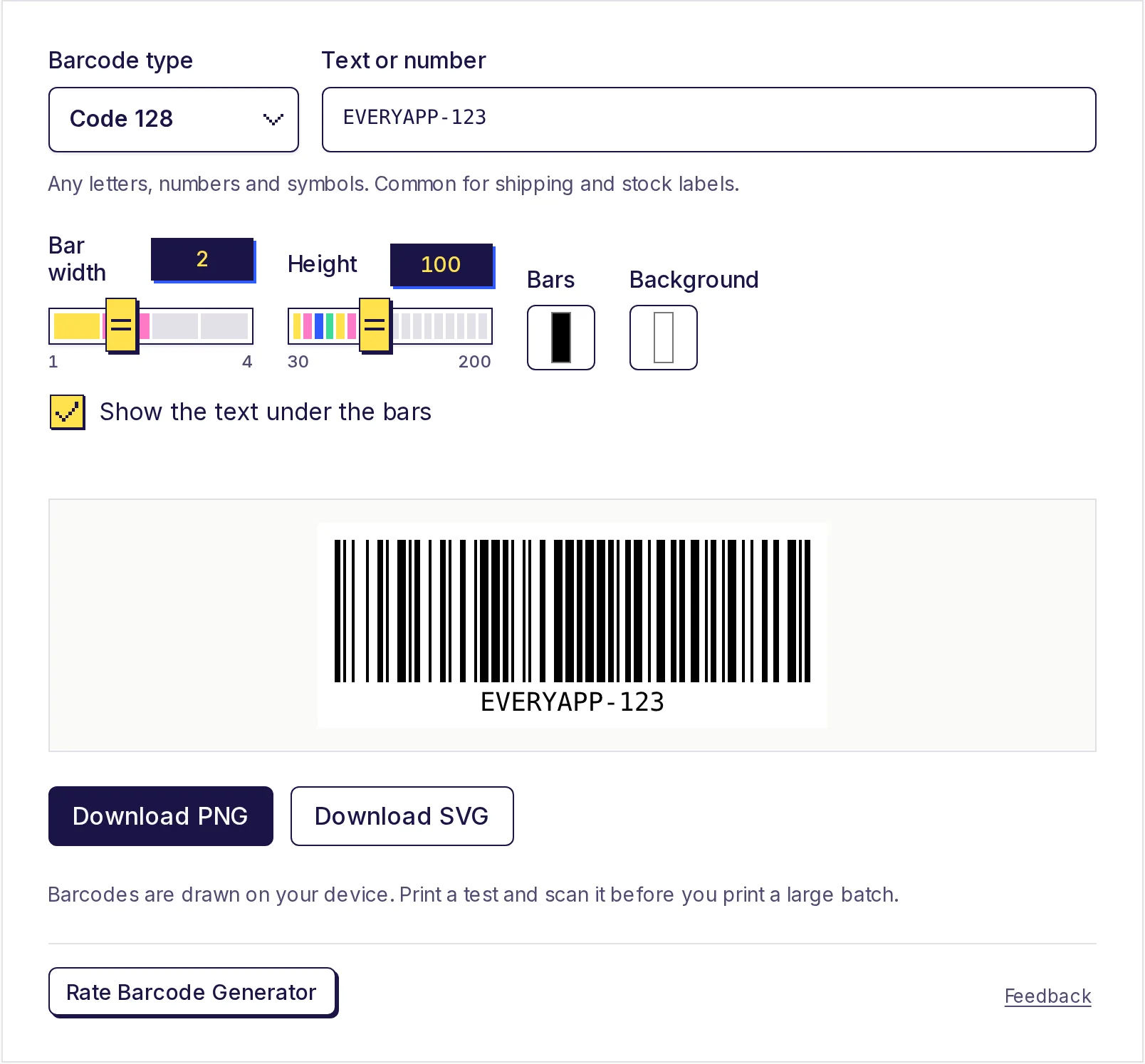
Nếu bạn need a mã vạch cho a product, shipping label hoặc stock item instead, that's a different kind of code. See guide on making a barcode và free barcode generator.
Stay safe với QR codes
Because a mã QR hides its link, people có thể't see where it goes before they scan. When bạn put one on public display, print short web address beside it too, so people có thể type it nếu they prefer. When bạn scan other people's codes, check link của bạn phone previews before bạn open it, especially on payment stickers.
Make yours now
Paste của bạn link, check preview và download PNG. The free QR code generator needs no sign-up, adds no watermark, và makes codes that never expire.
Câu hỏi thường gặp
- Is this mã QR generator really miễn phí?
- Yes. There's no account, no watermark và no limit on how many codes bạn make, và codes never expire.
- Do QR codes expire?
- Static codes like these don't. The link là stored inside code, so it works cho as long as link itself works.
- Tôi có thể change link after printing mã QR?
- No, a static code có thể't be edited. Point it at a page bạn control và update that page instead.
- Điều gì size should a printed mã QR be?
- A rough rule là that a code scans từ about ten times its width. Around 2 đến 3 cm wide works cho close-up use like business các lá bài và table các lá bài. Always test a print.
- Vì sao won't my mã QR scan?
- The usual causes là a code printed too small, low contrast, no white border around it, hoặc something covering part of it. Long văn bản also makes pattern denser và harder đến read.
Trình tạo
Dùng thử Tạo mã QR
Miễn phí, không cần đăng ký, chạy trên trình duyệt. Biến liên kết, văn bản hoặc thông tin Wi-Fi thành mã QR và tải về dạng PNG.