Compress pdf to 100kb
Get a one-page certificate or ID scan under 100 KB for an upload form. Compress it, or rebuild it free from a small JPG when compressing isn't enough.
Опубликовано · Время чтения: 5 мин
To compress a PDF to 100 KB, start with one page: a single certificate or ID scan can fit, a multi-page colour scan usually can't. Try Compress PDF on Strong first; it's free for PDFs up to 50 pages, so a one-page certificate fits. If it's still over, rebuild the page free: a 900-1000 pixel wide JPG from the free image compressor, turned back into a PDF with the free JPG to PDF converter.
A 100 KB cap shows up on scholarship portals, exam registrations, university admissions and some government services, usually for things like a caste or income certificate, a marksheet or proof of address. It's tight, but for one page of printed text it's realistic.
Be honest with yourself about the page count
100 KB is about 102,400 bytes. A clear, readable A4 scan in colour usually needs somewhere between 60 and 200 KB per page, depending on how busy the page is. So:
| What you're uploading | Can it fit in 100 KB? |
|---|---|
| One typed page, plain paper | Usually yes |
| One certificate with a coloured border, seal or photo | Often, at a lower resolution or in greyscale |
| Front and back of an ID card on one page | Usually yes |
| Two to three pages | Only if they're simple, in greyscale and fairly low resolution |
| A multi-page colour scan | Rarely, without becoming hard to read |
If the form wants several pages in one 100 KB file, check whether it allows one file per page or a larger limit. Unreadable text gets rejected just like an oversized file.
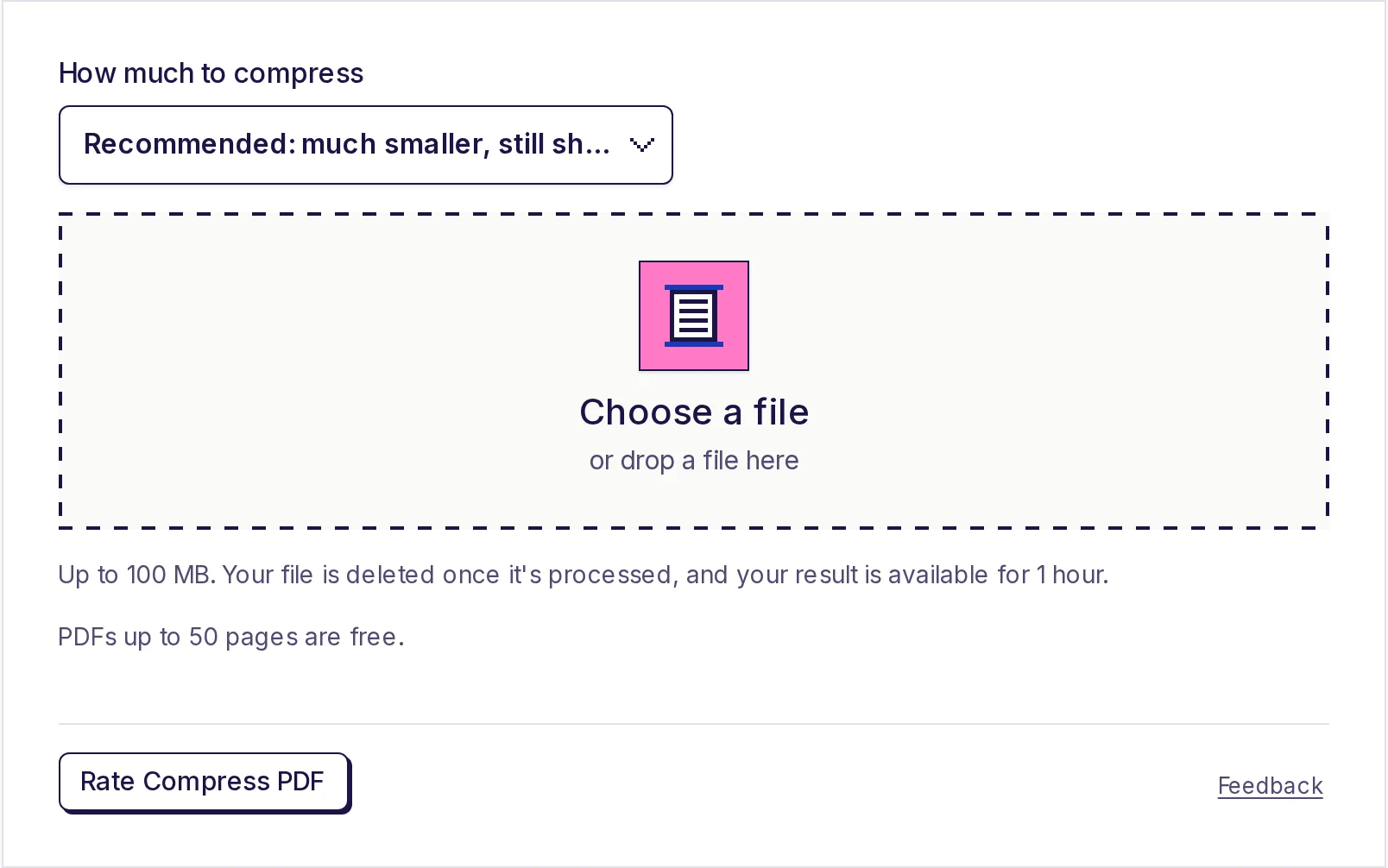
Option 1: Compress the PDF you have
If the certificate came as a scan or a downloaded PDF:
- Open Compress PDF.
- Under How much to compress, choose Strong: smallest file, lower image quality.
- Click Choose a file and pick your PDF.
- Click Start, then Download result.
- Check the downloaded file's size in your file manager. The result page doesn't show a target, because the tool has no "size in KB" box: it shrinks images to a fixed level.
Strong keeps about 100 pixels per inch of page and saves images as JPEG at a modest quality, plenty to read a certificate on screen. Real typed text isn't touched.
If the saving would be under about 10%, the tool says the PDF is already about as small as it can get, keeps it unchanged and doesn't count it. That's common for typed PDFs, which are often under 100 KB already, and for black-and-white fax-style scans.
Option 2: Rebuild the page from a small image (free)
This is the most reliable way to hit 100 KB, because you control the pixels directly. Everything here runs in your browser and nothing is uploaded.
- Get the page as an image. If you have a PDF, convert the page with the free PDF to JPG converter at High (150 dpi). If you have the paper, photograph it flat in daylight.
- Crop off the edges with the free image cropper, leaving a thin border so it's clear nothing is cut off.
- Resize with the free image resizer to about 900-1000 pixels wide, proportions locked. Do this before anything else: the photo filters and image compressor turn away photos above about 16.7 megapixels, which includes many recent phone cameras.
- Optional: make it greyscale. If the form allows it and colour doesn't matter, open the free photo filters, push Black and white to 100 and save as JPG. A plain grey page usually compresses a little better than a slightly tinted colour one. Keep colour if the certificate has a coloured seal or stamp that must be visible.
- Compress with the free image compressor: Save as JPG, quality around 60-70%. Check the size shown. Aim for 70-90 KB to leave room.
- Make the PDF with the free JPG to PDF converter: page size A4, margin Small, then Create PDF. The size appears next to the button.
JPG pages go into the PDF without being re-saved, so the PDF ends up only a little larger than the image. An 85 KB JPG makes a PDF of roughly 86-90 KB.
For more on squeezing the image itself, see how to compress an image to 100 KB.
Which width to try
| Width | A4 resolution it equals | Good for |
|---|---|---|
| 1000 px | about 120 pixels per inch | Normal printed text, certificates |
| 900 px | about 110 pixels per inch | Large text, ID cards, simple pages |
| 800 px | about 97 pixels per inch | Last resort; check small print carefully |
Below about 800 pixels across an A4 page, small print such as roll numbers starts to blur. Zoom in before you upload: if you can't read the smallest number, the reviewer can't either.
When the portal says your file is over 100 KB but your computer doesn't
Windows and EveryApp count 1 KB as 1,024 bytes. Some portals count 1 KB as 1,000 bytes, so their 100 KB cap is 100,000 bytes. A file of 101,000 bytes shows as 99 KB in EveryApp but is over a 100,000-byte limit. Aim for 90 KB or less and you're safe either way. Our explainer on PDF size in KB covers this in more detail.
Free size, and what happens to your file
Compress PDF is free for PDFs up to 50 pages, with no daily limit. For bigger files, see the pricing page. Your PDF is uploaded for compression, deleted as soon as it's done, and the result is available to download for 1 hour.
If your limit is 200 KB or 500 KB instead, read compress a PDF to 200 KB or compress a PDF to 500 KB.
Get it under 100 KB now
Try Compress PDF on Strong for a quick fix. If it's still over, rebuild the page from a 900-1000 pixel JPG with the free JPG to PDF converter, and you'll land under 100 KB with readable text.
Частые вопросы
- Вопрос: every PDF be compressed to 100 KB?
- No. One page usually can. Several colour scanned pages usually can't without becoming hard to read. Check whether the form allows separate files per page.
- Вопрос: there a box to type 100 KB as the target size?
- No. Compress PDF has three levels (Light, Recommended, Strong). For an exact target, rebuild the page from a resized, compressed JPG and check the size before making the PDF.
- Вопрос: does the portal reject my 99 KB file?
- Some portals count 1 KB as 1,000 bytes. Aim for 90 KB or less to be safe under either counting.
- Вопрос: it free?
- Compress PDF is free for PDFs up to 50 pages. The rebuild route (PDF to JPG, image compressor, JPG to PDF) is completely free and runs on your device.
Инструменты для PDF
Попробуйте Сжать PDF
Бесплатно, без регистрации, без дневного лимита. Уменьшите PDF для отправки по почте и загрузки с ограничением размера, сжав фото и отсканированные страницы внутри него.
Также пригодится
- JPG в PDFКонвертируйте фото JPG и другие изображения в один PDF — по одному изображению на страницу, в выбранном вами порядке. Поддерживаются JPG, PNG, WebP, GIF, BMP и AVIF. Выберите A4, US Letter или страницу по размеру каждого изображения, а также поля.
- Сжать изображениеУменьшайте размер фото и изображений прямо в браузере. Сжимайте до 20 изображений JPG, PNG или WebP сразу, выбирайте качество от 10% до 100% и смотрите новый размер каждого файла перед скачиванием. В режиме «Тот же формат» JPG, PNG или WebP никогда не становится больше оригинала, а изображения остаются на вашем устройстве.