HEX vs RGB vs HSL: Which Color Code to Use (Free Converter)
HEX, RGB and HSL describe the same colours in three ways. How each works, when HSL makes shades easier, how transparency works, and how to convert free.
Published · 5 min read
HEX vs RGB isn't a choice between different colours: #2F5BFF, rgb(47, 91, 255) and hsl(227, 100%, 59%) are three ways of writing the same blue. HEX and RGB both list the red, green and blue light in the colour; HEX writes it in base 16, RGB in ordinary numbers. HSL describes hue, saturation and lightness instead, which makes it much easier to create lighter and darker shades. Paste any of them into the free HEX to RGB converter to see the rest.
The same colour, three ways
| Notation | Example | What the parts mean |
|---|---|---|
| HEX | #2F5BFF |
Red 2F, green 5B, blue FF, each 00 to FF |
| RGB | rgb(47, 91, 255) |
Red 47, green 91, blue 255, each 0 to 255 |
| HSL | hsl(227, 100%, 59%) |
Hue 227° on the colour wheel, 100% saturation, 59% lightness |
All three work in CSS, and browsers treat them identically. Our converter also shows HSV and CMYK for design and print tools.
HEX: compact and everywhere
A HEX code is six hexadecimal digits after a #, in three pairs. Each pair is a number from 0 to 255 written in base 16, where A to F stand for 10 to 15:
2F= 2 × 16 + 15 = 475B= 5 × 16 + 11 = 91FF= 15 × 16 + 15 = 255
So #2F5BFF is exactly rgb(47, 91, 255). Short forms exist when both digits in each pair match: #abc means #aabbcc. For more on base 16 itself, see hexadecimal explained.
Use HEX when: copying colours between tools, brand guidelines, design handoff. It's short, easy to paste and recognised by almost every app.
Downside: you can't tell much about a colour by reading it. Is #7B2CBF light or dark? Hard to say at a glance.
RGB: the same numbers, readable
RGB writes the red, green and blue values in decimal. It describes how screens actually make colour: by mixing red, green and blue light. rgb(0, 0, 0) is black (no light) and rgb(255, 255, 255) is white (all three at full).
Use RGB when: you're working in code that calculates colours (JavaScript, canvas, image processing), or a tool asks for separate R, G and B fields, like many office and slide programs.
Downside: like HEX, it's hard to adjust by hand. Making a colour "a bit lighter" means changing all three numbers by the right amounts.
HSL: the one humans can edit
HSL describes a colour the way people think about it:
- Hue (0 to 360): the position on the colour wheel. 0 is red, 120 green, 240 blue.
- Saturation (0% to 100%): how vivid. 0% is grey.
- Lightness (0% to 100%): 0% is black, 50% is the pure colour, 100% is white.
This is where HSL shines: to make a shade, change one number. Keep hue 227 and saturation 100%, and move only lightness:
| Lightness | Result |
|---|---|
| 30% | #002199 (deep navy blue) |
| 40% | #002CCC |
| 59% | #2E5BFF (our blue, give or take rounding) |
| 70% | #6687FF |
| 80% | #99AFFF (light, pastel blue) |
That's how hover states, borders and tints in design systems are often built. Lower the saturation for a muted version; rotate the hue by 180 for the opposite colour.
Use HSL when: writing CSS by hand, building a set of shades, theming (light and dark modes), or tweaking a colour until it feels right.
Downside: equal lightness doesn't mean equal perceived brightness. Yellow at 50% lightness looks much brighter than blue at 50%, so always check text contrast rather than trusting the L value. The free color contrast checker does that.
Transparency in each notation
All three formats can carry an alpha (opacity) value, from fully transparent to solid:
| Notation | 50% transparent blue |
|---|---|
| 8-digit HEX | #2F5BFF80 |
| RGBA | rgba(47, 91, 255, 0.5) |
| HSLA | hsla(227, 100%, 59%, 0.5) |
In 8-digit HEX the last pair is the alpha: 00 transparent, FF solid, 80 (128 out of 255) about 50%. Modern CSS also accepts a space-separated style with a slash, like rgb(47 91 255 / 50%).
In the converter, move the Opacity slider and every format updates with the alpha included.
Rounding: why round trips aren't always exact
HEX and RGB are exact: each maps to the other with no loss. HSL values are usually rounded to whole numbers, so converting #2F5BFF to hsl(227, 100%, 59%) and back gives #2E5BFF, one step off in red. You'll never see the difference, but if you need an exact brand match, keep the HEX as the master value.
Which one should you use?
- Storing and sharing brand colours: HEX.
- Code that calculates colours: RGB.
- CSS you'll edit by hand, shade scales and themes: HSL.
- Printing: none of these directly; see RGB vs CMYK.
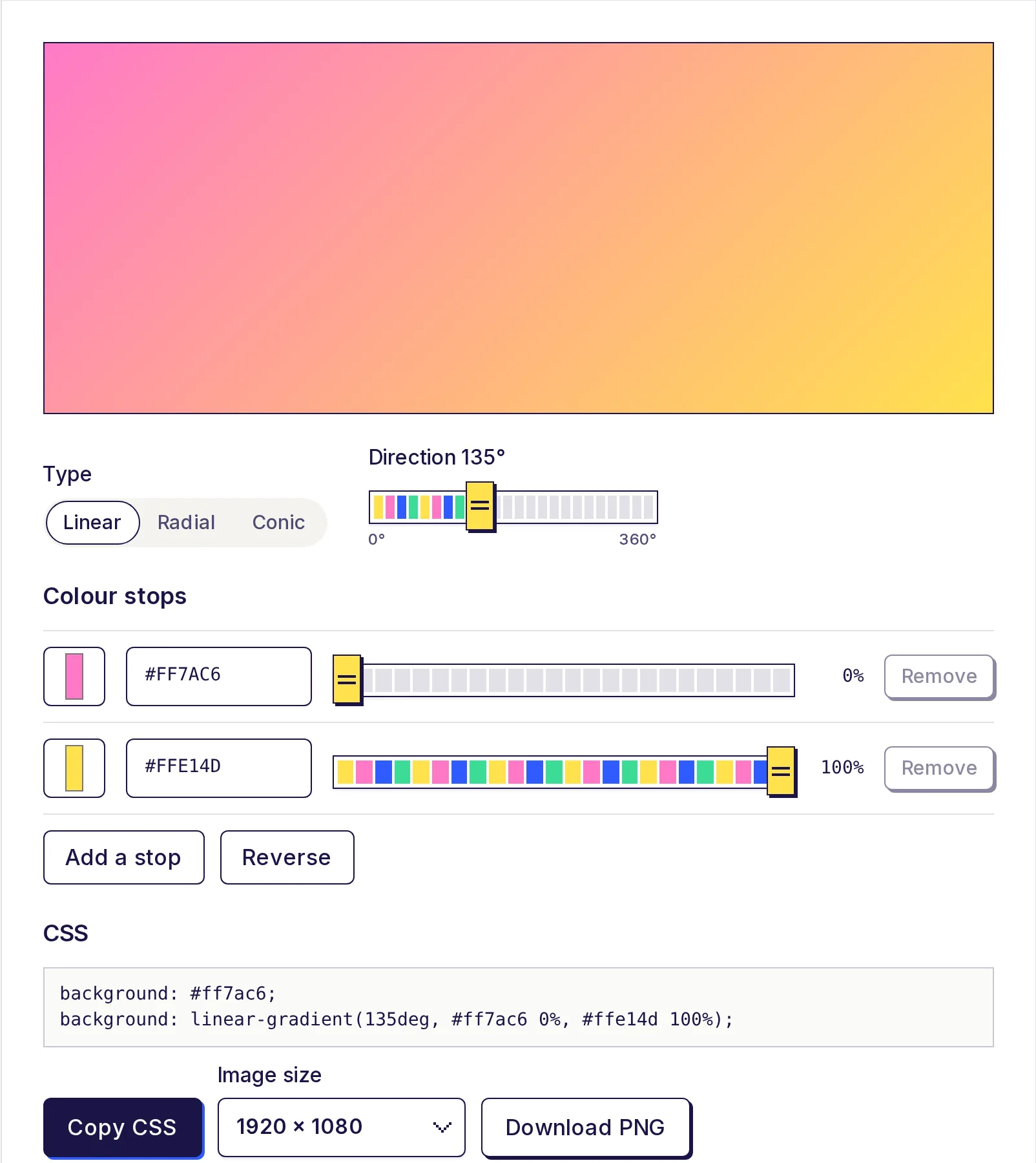
You can mix them freely in one stylesheet. Gradients, for example, accept any format in each stop, which you can try in the free CSS gradient generator. If you want ready-made shade scales, the free color palette generator builds a 50 to 950 scale from any colour.
Convert any colour now
Paste a HEX, RGB, HSL, HSV or CMYK value into the free HEX to RGB converter, or use the picker, and copy whichever format you need. Conversions happen on your device.
Frequently asked questions
- Is HEX the same as RGB?
- Yes, they describe the same red, green and blue values. HEX writes each one as two base-16 digits; RGB writes them as numbers from 0 to 255.
- Why use HSL instead of HEX?
- Because you can make lighter, darker or duller versions of a colour by changing a single number, which is much easier than editing HEX or RGB by hand.
- How do I add transparency to a HEX colour?
- Add two more digits for alpha: #2F5BFF80 is about 50% opaque. Or use rgba() or hsla() with a value from 0 to 1.
- Do HEX, RGB and HSL look different in the browser?
- No. The same colour written in any of the three formats displays identically.
- Which is better for CSS, RGB or HSL?
- Both are fine. HSL is easier to adjust by hand; RGB matches what most code and design tools output.
Color tools
Try the HEX to RGB Color Converter
Free, no sign-up, works in your browser. Convert HEX to RGB, or RGB to HEX, as you type: paste a colour code in any format and get HEX, RGB, HSL, HSV and CMYK at once, each with a copy button.
Also useful
- CSS Gradient GeneratorDesign a linear, radial or conic gradient with 2 to 8 colour stops, see it live, and copy the CSS background code. You can also download the gradient as a PNG image in HD, 4K, square, story or banner sizes.
- Color Palette GeneratorGenerate a five-colour palette with one press of the space bar, lock the colours you like, or build a colour scheme from your own base colour: analogous, complementary, triadic and more. See 11 shades of each colour and export as CSS variables, Tailwind, JSON or HEX.