How to Reduce Word Count: 10 Ways to Cut to the Limit
Over the word limit? Cut filler, wordy phrases, passive voice and repetition, then check the total in a free word counter and compare versions.
Published · 5 min read
To reduce word count without losing meaning, cut in layers: first remove filler words and wordy phrases ("due to the fact that" becomes "because"), then turn passive sentences active, then delete repetition and anything that doesn't support your main point. Most drafts lose 10 to 20% this way and read better for it. Paste your text into the free word counter before and after so you can see each cut add up.
Before you reduce word count, measure the gap
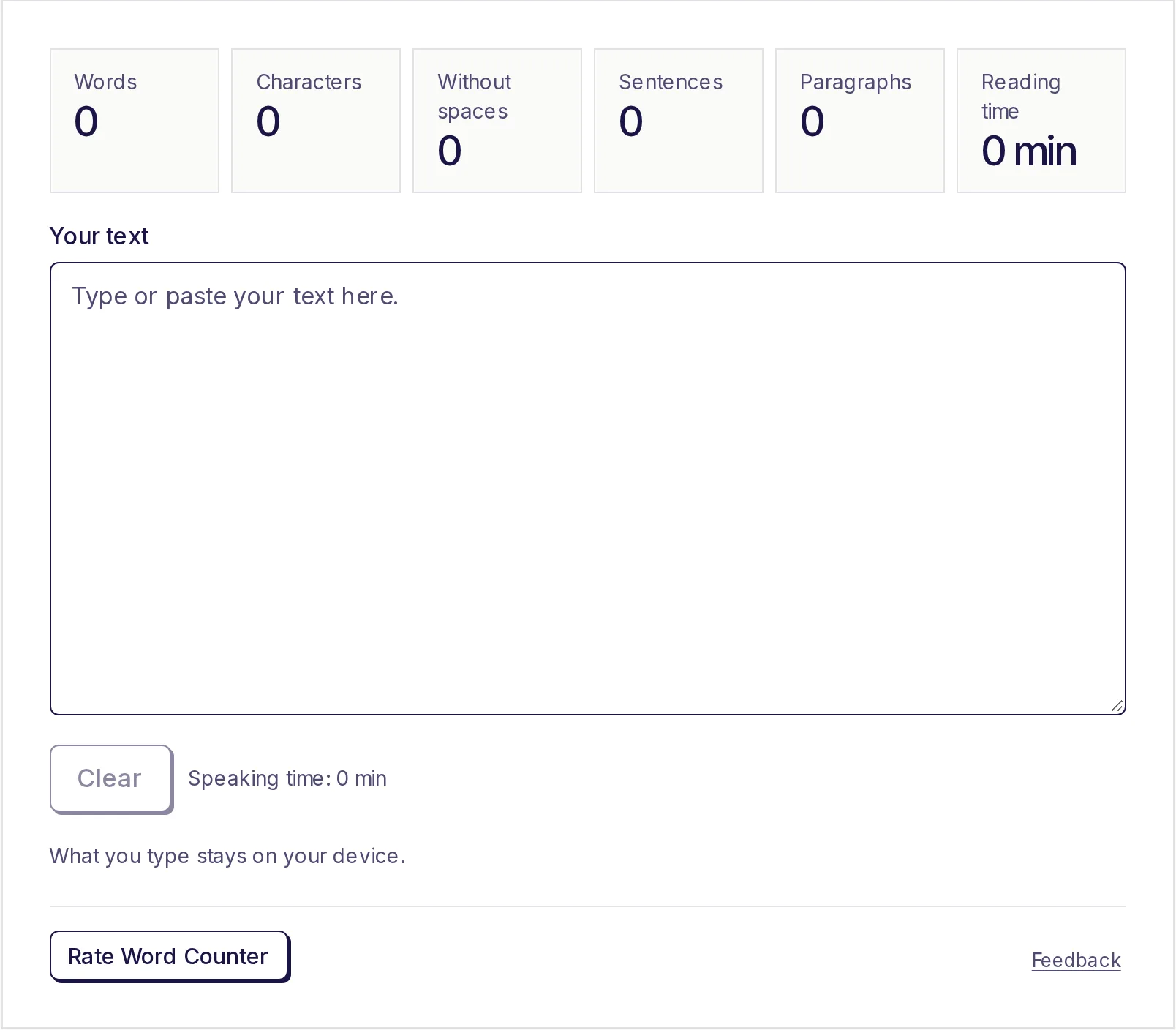
Paste your draft into the free word counter and note the total. If you're 80 words over in a 650-word essay, you need to trim about 12%: roughly one sentence per paragraph. If you're 400 over in a 1,500-word assignment, sentence-level trimming won't be enough, and you'll need to cut a whole point (tip 9).
Keep a copy of the original before you start. You'll want it at the end.
1. Swap wordy phrases for single words
These phrases are everywhere, and each swap saves two to five words:
| Wordy | Shorter | Words saved |
|---|---|---|
| due to the fact that | because | 4 |
| in spite of the fact that | although | 5 |
| at this point in time | now | 4 |
| in order to | to | 2 |
| in the event that | if | 3 |
| has the ability to | can | 3 |
| a large number of | many | 3 |
| make a decision | decide | 2 |
| conduct an investigation into | investigate | 3 |
Use Ctrl+F (Cmd+F on a Mac) to search your draft for "in order", "the fact that" and "is able to".
2. Delete filler words
Words like really, very, quite, actually, basically, just, totally, certainly and definitely rarely add meaning. Delete one and re-read: if the sentence still says the same thing, leave it out. Replace "very important" with "crucial" and "very big" with "huge".
3. Drop throat-clearing openers
"It is important to note that", "It should be mentioned that", "In my opinion, I think that", "As stated above". Delete the opener and start with the point. "It is important to note that" alone is six words.
4. Turn passive voice active
Passive sentences hide who did what and use extra words:
- The decision was made by the committee to postpone the meeting. (11 words)
- The committee postponed the meeting. (5 words)
Look for "was ... by", "is being", "has been" and "were" followed by a verb ending in -ed. Not every passive needs changing, especially in scientific writing, but most can.
5. Remove "there are ... who/that" constructions
- There are many students who find that it is really quite difficult to manage their time in an effective way during the exam period. (24 words)
- Many students struggle to manage their time during exams. (9 words)
That one sentence combines tips 1 to 5, and it shrinks by more than half without losing anything.
6. Cut redundant pairs
Each and every, past history, end result, completely finished, free gift, future plans, true facts, final outcome, first began. One word of each pair already says it all.
7. Don't say it twice
Essays often make a point, give an example, then restate the point. Once is enough. Introductions and conclusions are common culprits: if your conclusion repeats your introduction nearly word for word, rewrite it to say what your argument means instead.
8. Trim long quotations
If a quote counts toward your limit, keep only the essential phrase and paraphrase the rest. "Smith argues that cities 'reward density' because..." is shorter than a three-line quote, and shows more understanding.
9. Cut your weakest point
When you're far over, polishing sentences won't close the gap. Rank your points by how well they support your thesis and drop the weakest one entirely. Three well-developed points beat five thin ones. This is the hardest cut and usually the best.
10. Check for words that don't count, or do
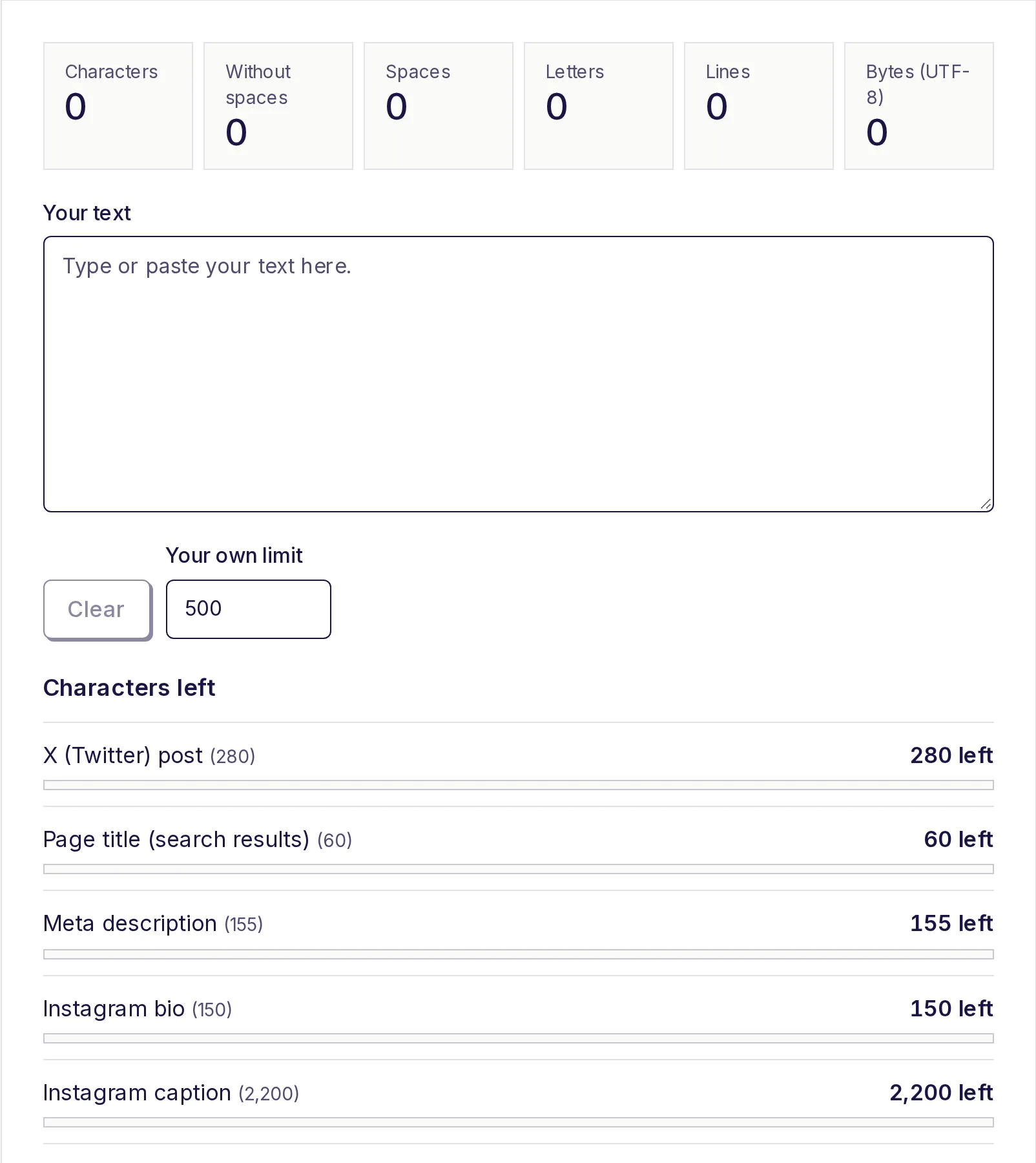
Know what's included before you cut. Some limits exclude titles, headings, footnotes, tables or the reference list; others include them. If the limit is in characters rather than words (UCAS personal statements, for example, or social media posts), use the free character counter, because cutting long words matters there as much as cutting short ones. Our college essay word limits post explains the common application rules.
Compare the versions before you submit
Heavy cutting can remove something important without you noticing: a key piece of evidence, the "not" that a sentence depended on, a source citation. Before you submit:
- Paste your original into Original text in the free text compare tool.
- Paste the shortened version into Changed text.
- Choose Words and click Compare.
Everything you removed is in pink. Read through just the pink parts. Most will be filler you're glad to lose; if you spot a fact, a citation or a qualifier that changes the meaning, put it back and cut somewhere else. The summary line also tells you exactly how many words you removed.
For the opposite problem, see how to make an essay longer, and for limits counted in characters, our sibling post on writing within a character limit.
Check your count now
Paste your trimmed draft into the free word counter to confirm you're under the limit. It's free, needs no sign-up, and your text stays on your device.
Frequently asked questions
- How can I reduce my word count quickly?
- Replace wordy phrases with single words, delete filler words like "really" and "very", remove openers like "It is important to note that", and turn passive sentences active.
- How much can I cut without losing meaning?
- Most first drafts can lose 10 to 20% through sentence-level editing alone. Beyond that, you'll usually need to remove a whole point.
- Do contractions reduce word count?
- Yes, a little. Most counters treat "don't" as one word, so changing "do not" to "don't" saves one word each time. Check whether contractions suit your assignment's style first.
- Does the word count include references?
- It depends on the assignment. Many university limits exclude the reference list and footnotes, but some include them. Check the brief.
- How do I make sure I didn't cut something important?
- Compare your original and shortened versions in a text compare tool by words, and read every removed part before you submit.
Text tools
Try the Word Counter
Free, no sign-up, works in your browser. Paste or type your text to count words, characters (with and without spaces), sentences and paragraphs as you type, plus reading time, speaking time and your most used words.
Also useful
- Text ComparePaste two versions of a text to see exactly what changed: removed text in pink, added text in green, side by side or inline. Compare by lines, words or characters, and ignore capitals or extra spaces when they don't matter.
- Character CounterCount characters with and without spaces as you type, and see how many you have left for X posts, text messages, meta descriptions, Instagram bios, LinkedIn, YouTube and your own limit. Also counts spaces, letters, lines and bytes.