SEO Friendly URL Slugs: 10 Best Practices
Short, lowercase, hyphenated, no dates or keyword stuffing. Ten rules for SEO friendly URL slugs, with examples and a free slug generator.
Published · 5 min read
An SEO friendly URL slug is short, lowercase, uses hyphens between words, describes the page in plain words, and stays accurate for as long as the page exists. /blog/chai-recipe beats /blog/2026/10/the-best-ever-easy-chai-recipe-recipe-for-chai-lovers. Below are ten rules, with examples, that you can apply in seconds with the free URL slug generator.
New to the term? Our explainer on what a URL slug is covers the basics and how to change one safely.
What Google says about SEO friendly URLs
Google's URL structure guidance (as per Google Search Central, 2026) is short. It recommends:
- readable words rather than long ID numbers,
- hyphens rather than underscores to separate words,
- consistent letter case, since URL paths are case-sensitive,
- trimming unnecessary parameters.
It doesn't set a length limit or say anything about dates or small words. The tips on those below are widely used common practice, aimed at people as much as search engines: a clean slug is easier to read, share and trust.
1. Use hyphens between words
merge-pdf-files, not merge_pdf_files or mergepdffiles. Hyphens clearly separate words for both readers and search engines. The slug generator uses hyphens by default; only pick Underscores (_) if a system you're feeding requires them.
2. Keep everything lowercase
/Pricing and /pricing can be treated as two different pages, which invites duplicates and broken links when someone types the address. Lowercase every slug. The generator does this automatically.
3. Aim for three to five words
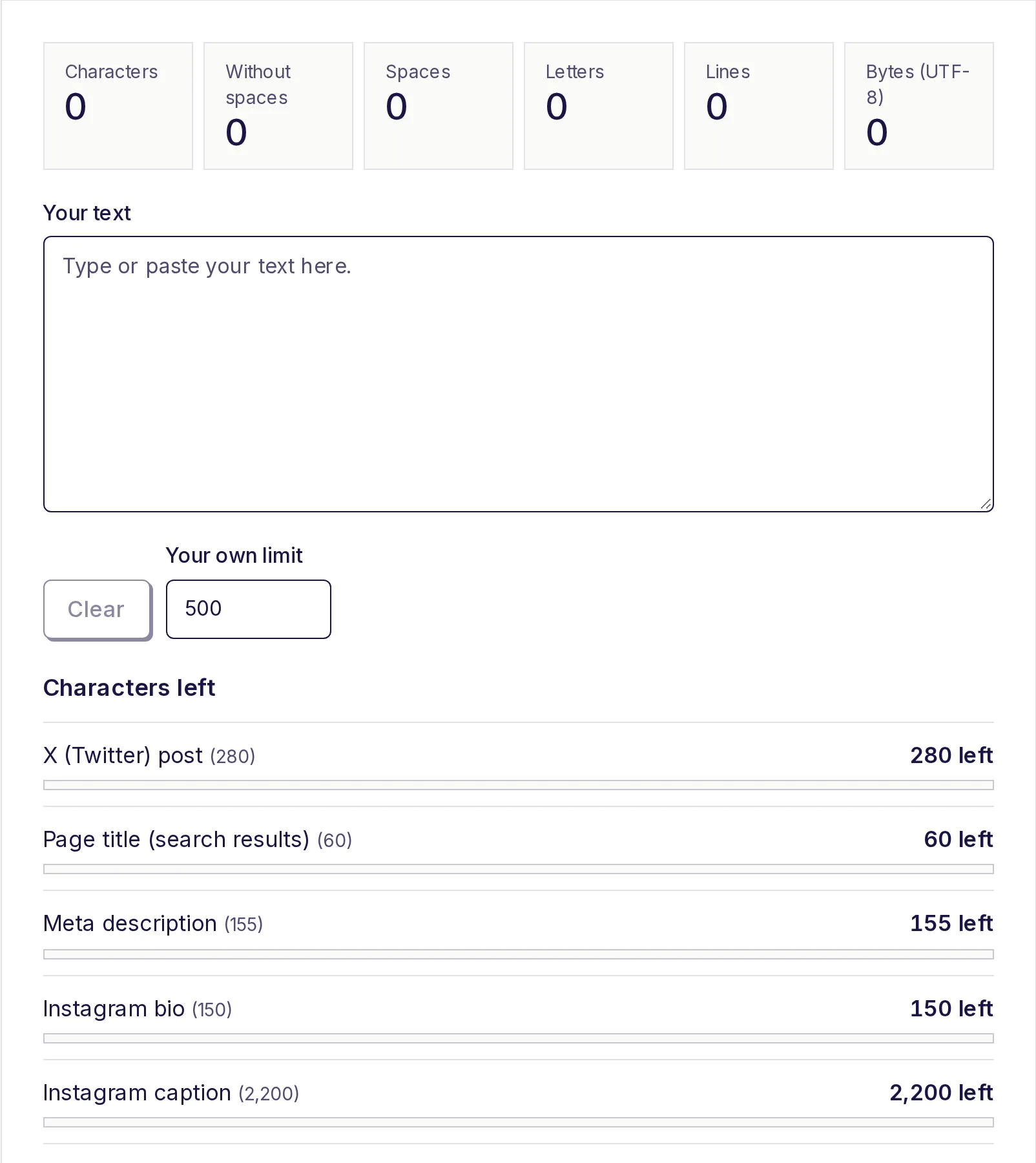
Short slugs are easier to read in a search result, a chat preview or out loud. A good test: could you say it over the phone without spelling it? If you want a hard ceiling, type a number into Max length in the generator (around 40-60 characters is plenty for most pages); it cuts at a whole word, never mid-word. To check a slug you wrote by hand, paste it into the free character counter.
| Too long | Better |
|---|---|
how-to-calculate-your-home-loan-emi-easily-step-by-step |
home-loan-emi |
the-complete-beginners-guide-to-learning-python-programming |
python-for-beginners |
4. Put the main phrase in, once
Use the words people actually search for, such as compress-pdf or gst-calculator. Once is enough. best-chai-recipe-chai-recipe-easy-chai looks spammy to readers and doesn't help.
5. Drop small words when they add nothing
Words like "a", "the", "of", "to" and "for" often pad a slug without adding meaning: the-history-of-the-taj-mahal becomes history-taj-mahal. Tick Drop small words (a, the, of…) in the generator to remove them.
But read the result. Sometimes the small word matters: what-is-a-url-slug becomes what-url-slug with them dropped, which is a bit odd. Keep them, or trim by hand, when the slug stops reading naturally.
6. Leave dates and years out
A slug like /2024/10/best-budget-phones looks stale in 2026, even if you updated the article. If you refresh content regularly, a timeless slug (/best-budget-phones) lets you keep the same address and all the links pointing at it.
Exceptions: news stories, event pages and annual reports where the date is part of the identity (/annual-report-2025).
7. Avoid numbers that will change
/17-ways-to-save-money breaks the moment you add an 18th tip. Use /ways-to-save-money and keep the number in the title only.
8. Strip symbols and accents
Spaces, &, ?, #, %, brackets and accented letters all get percent-encoded or cause trouble when shared: Café & Bar can end up as Caf%C3%A9%20%26%20Bar. The generator converts accents to plain letters (café to cafe, ß to ss), turns & into "and", and removes other symbols. If you need to read an encoded address someone sent you, the free URL decoder turns it back into plain text.
Two things to check by hand: an apostrophe splits a word (beginner's comes out as beginner-s, so change it to beginners), and titles in a non-Latin script like Hindi or Tamil need typing in transliterated form (diwali-offers) to get a slug.
9. Mirror your site's structure, briefly
Folders can add useful context: /recipes/chai, /tools/pdf/merge. But two levels is usually plenty. Long chains like /category/food/subcategory/drinks/hot/tea/chai are hard to read and fragile if you reorganise.
10. Choose once, then leave it alone
The best slug is one you never change. Every change needs a permanent redirect from the old address, plus updates to your own links. So spend a minute on it before you publish: is it short, accurate, and still true in two years? If you must change it, set up a 301 redirect and keep it forever.
Before and after
| Title | First draft slug | Final slug |
|---|---|---|
| 12 Easy Diwali Sweets You Can Make at Home (2026) | 12-easy-diwali-sweets-you-can-make-at-home-2026 |
easy-diwali-sweets |
| Our Refund & Return Policy | our-refund-and-return-policy |
refund-policy |
| What Is GST? A Simple Guide for Small Businesses | what-is-gst-a-simple-guide-for-small-businesses |
gst-guide-small-business |
Make your slugs now
Paste one title or a whole list (one per line) into the free URL slug generator, tick the options you want, and copy clean, hyphenated slugs. It's free, there's no sign-up, and your text stays on your device.
Frequently asked questions
- How long should a URL slug be?
- There's no official limit, but three to five words, or roughly under 60 characters, is a common target. Shorter is easier to read and share.
- Should I remove stop words from URLs?
- Often, yes, because words like "the" and "of" add length without meaning. Keep them when the slug reads oddly without them.
- Do keywords in the URL help SEO?
- A clear, relevant slug helps people decide to click and gives search engines a small hint. It's a minor factor; the page content matters far more.
- Should I include the year in a URL?
- Usually not, because the year makes evergreen pages look out of date and forces a new address when you update. News and event pages are the exception.
- Is it bad to change a URL slug?
- It's fine if you redirect the old address permanently (301) to the new one and update your own links. Without a redirect, old links break.
Text tools
Try the URL Slug Generator
Free, no sign-up, works in your browser. Turn a title or any text into a clean, lowercase URL slug like "my-first-blog-post".
Also useful
- Character CounterCount characters with and without spaces as you type, and see how many you have left for X posts, text messages, meta descriptions, Instagram bios, LinkedIn, YouTube and your own limit. Also counts spaces, letters, lines and bytes.
- URL Encode / DecodeEncode text for a URL or decode %20-style percent-encoding back to readable text, as you type. Paste a full link to see its query parameters listed and decoded, and choose whether spaces become %20 or +. Nothing leaves your device.