UPC vs EAN: EAN-13 vs UPC-A Barcodes Compared (Free)
UPC-A has 12 digits (US, Canada); EAN-13 has 13 (almost everywhere else). How they relate, which to choose, and a free barcode generator for both.
Published · 5 min read
UPC-A and EAN-13 are the two retail barcodes you see on products. UPC-A holds 12 digits and is traditional in the US and Canada; EAN-13 holds 13 digits and is used in India, Europe and most of the world. They're closely related: a UPC-A number is an EAN-13 number with a 0 in front. You can draw either in the free barcode generator, which works out the check digit for you.
The format matters less than most sellers think. What matters is having a properly licensed number and printing the format your retailers expect.
Side by side
| UPC-A | EAN-13 | |
|---|---|---|
| Digits | 12 | 13 |
| Typical region | US and Canada | Rest of the world, including India, Europe, Asia and Australia |
| Structure | Company prefix + product number + check digit | GS1 prefix + company number + product number + check digit |
| Scanned worldwide? | Yes | Yes, and in North America too |
| Short version | UPC-E (8 digits, for small packs) | EAN-8 (8 digits, for small packs) |
| In the barcode generator | Type 11 digits, check digit added | Type 12 digits, check digit added |
Modern retail scanners read both formats, in any country. A product with a UPC-A barcode sells fine in a London or Mumbai supermarket, and an EAN-13 product scans in New York. The format follows where the number was issued, not where the product is sold.
How the two are related
Take a UPC-A number and put a 0 in front, and you have the same product's EAN-13 number. The check digit stays the same, because the extra leading 0 adds nothing to the calculation.
Example:
- UPC-A:
036000291452 - EAN-13:
0036000291452
Inside a retailer's system, both are stored as the same GTIN (Global Trade Item Number), usually padded to 14 digits. That's why one product never needs both barcodes.
How the check digit works
The last digit of both codes is a check digit, so a scanner can spot a misread. It's the same method for both formats. Here it is for the UPC-A example above, using the first 11 digits, 03600029145:
- Starting from the right-most digit, multiply the digits alternately by 3 and 1: the right-most digit is multiplied by 3, the next by 1, and so on.
- 0×3 + 3×1 + 6×3 + 0×1 + 0×3 + 0×1 + 2×3 + 9×1 + 1×3 + 4×1 + 5×3 = 58.
- Find what you'd add to reach the next multiple of 10: 60 − 58 = 2.
- The full UPC-A is
036000291452.
For EAN-13 you do the same with the first 12 digits. The widely used example number 590123412345 gets the check digit 7, giving 5901234123457.
You don't have to do this by hand. In the barcode generator, type the number without the last digit and the tool adds it. Type it with the last digit and it's checked; if it's wrong, the tool tells you what it should be, which catches typos before you print 5,000 labels.
Which one should you use?
Follow the number you were given:
- Your GS1 number was issued by GS1 US or GS1 Canada and you sell mainly in North America: UPC-A is the traditional choice, and retailers there expect it.
- Your number was issued by any other GS1 office, such as GS1 India (numbers starting with 890) or a European office: use EAN-13.
- You sell worldwide: EAN-13 works everywhere. Some North American retailers still prefer UPC-A for US-issued numbers, so ask your buyers.
- Your marketplace asks for a "UPC/EAN" field: it usually accepts either. Enter the number exactly as issued.
- Small packaging with no room: UPC-E and EAN-8 exist for tiny items, but they have their own rules. EAN-8 numbers are issued separately by GS1, and UPC-E only works for certain UPC numbers. Ask your GS1 office before using them.
If you don't have a number yet, read do I need a GS1 barcode? first. Making up a number risks clashing with a real product.
Other formats you'll meet
- ITF-14: a 14-digit code for outer cartons and cases, based on the product's GTIN. Printed on corrugated boxes going to warehouses.
- Code 128: letters and numbers, for shipping labels, stock and internal codes. Not for retail checkout.
- QR codes: two-dimensional codes that hold a link or text, for manuals, videos and offers on packaging. Make one with the free QR code generator.
Making either barcode
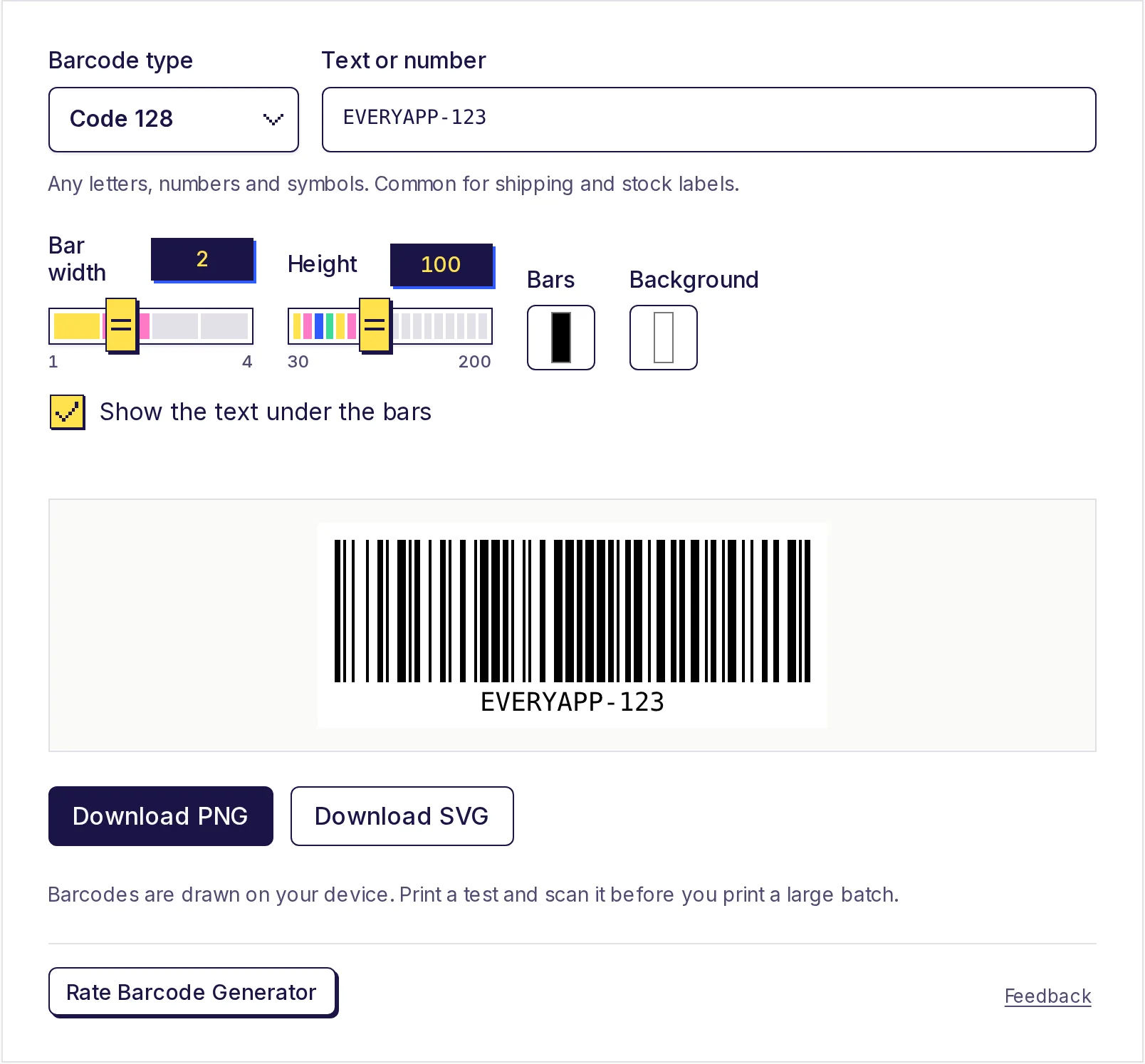
- Open the free barcode generator.
- Under Barcode type, choose EAN-13 or UPC-A.
- In Text or number, type the 12 digits (EAN-13) or 11 digits (UPC-A) without the check digit. A note confirms the check digit that was added.
- Keep Show the text under the bars ticked: retail barcodes normally show the digits so staff can type them if a scan fails.
- Download SVG for packaging artwork or PNG for labels, then print a test and scan it.
For print sizes and testing tips, see how to make a barcode.
Make your barcode
Pick EAN-13 or UPC-A to match where your number came from, and let the free barcode generator add and check the check digit. It runs on your device, needs no account, and the barcodes are yours to use commercially.
Frequently asked questions
- What is the difference between UPC and EAN?
- UPC-A has 12 digits and comes from the US and Canada; EAN-13 has 13 digits and is used in most other countries. A UPC-A number becomes an EAN-13 number by adding a 0 in front.
- Can a UPC barcode be scanned in India or Europe?
- Yes. Retail scanners worldwide read both UPC-A and EAN-13.
- Should my product have both a UPC and an EAN barcode?
- No. One product has one GTIN. Print the format that matches your number and your main market.
- How do I convert a UPC to an EAN?
- Put a 0 in front of the 12-digit UPC-A number. The check digit stays the same.
- Why does the generator say my last digit is wrong?
- The last digit must match the check digit calculated from the others. Fix the typo, or leave the last digit off and the tool adds the right one.
Generators
Try the Barcode Generator
Free, no sign-up, works in your browser. Make a barcode in seconds and download it as a sharp PNG or SVG: Code 128, EAN-13, EAN-8, UPC-A, UPC-E, Code 39, ITF-14 or Codabar.