Meta Description Length: How Long Should It Be? (Free Check)
Google sets no fixed limit; it cuts snippets to fit the screen. Aim for about 150-160 characters, 60 for titles, and check them in a free counter.
Published · 4 min read
The ideal meta description length is about 150 to 160 characters, and a page title about 50 to 60. Neither is an official limit: as per Google Search Central's documentation (checked October 2026), there's no maximum length, but Google truncates snippets and titles in results "as needed, typically to fit the device width". Write a sentence that works if cut, important words first. The free character counter shows how many characters you have left for both.
Why meta description length has no exact number
Search results are laid out in pixels, not characters. A line has a certain width on a phone or laptop, and Google cuts a snippet with "…" when it runs out of room. That means:
- Narrow letters fit more. "illicit little lists" takes far less width than "WOMBAT MEMO WAVE". Text in capitals or full of m's and w's gets cut sooner.
- Devices differ. Phones and desktops show different widths.
- Google may rewrite it. Google often builds the snippet from text on the page instead of your meta description, especially when the page text better matches the search. Titles can be rewritten too, for example when the title doesn't match the page's content.
The 150 to 160 character guide is a convention built from what usually fits, not a rule from Google. It works because most descriptions in normal sentence case come out within the visible width.
Titles: about 60 characters
The same pixel logic applies to the <title> element, which becomes the clickable headline in results. Around 50 to 60 characters usually shows in full. Google's own page on title links says there's no limit on how long a <title> element can be, but long ones get cut short in results.
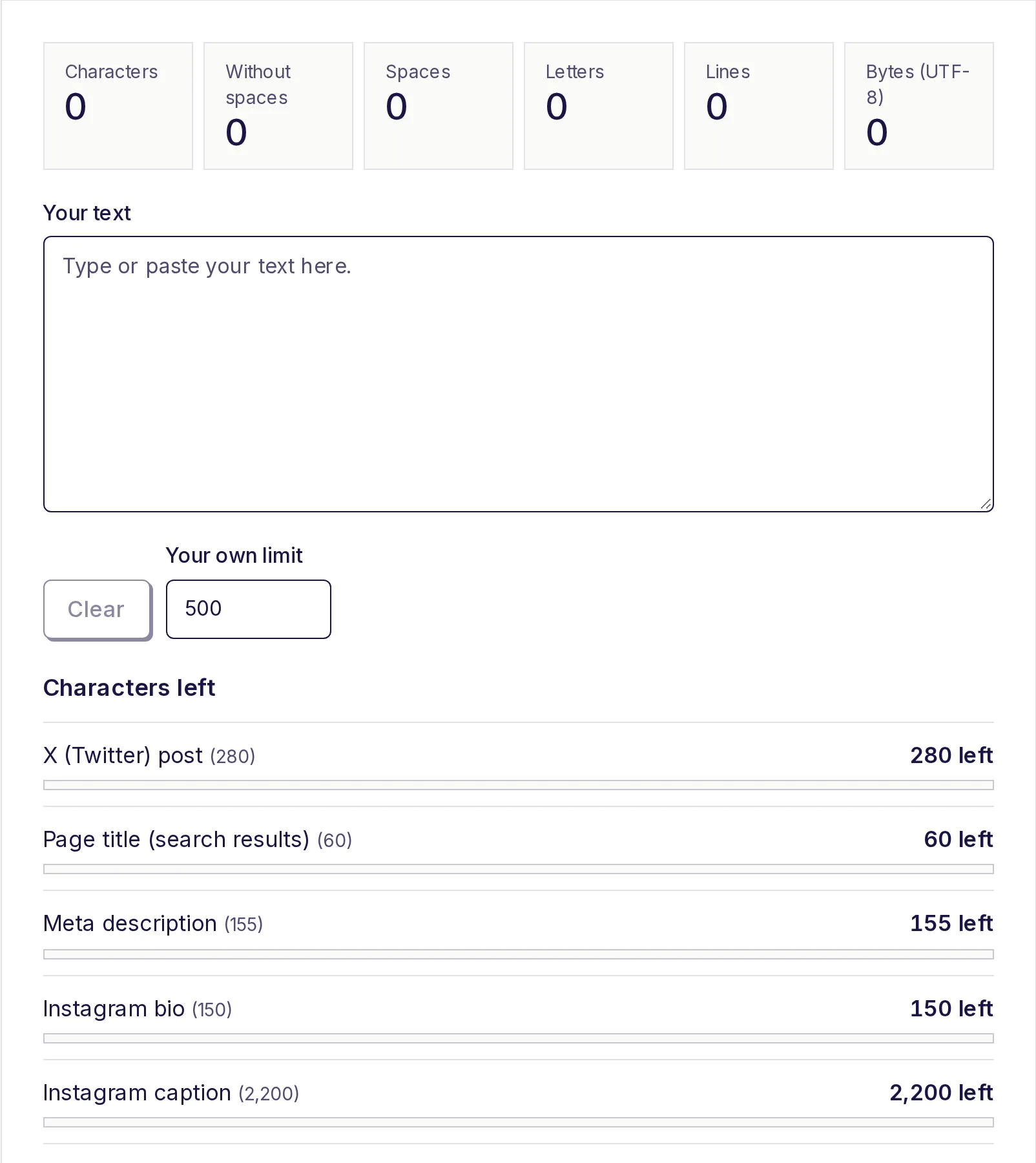
The character counter's Characters left list includes Page title (search results) at 60 and Meta description at 155. The 155 for descriptions is deliberately a few characters under 160, to leave a safety margin for wider letters.
How to write one that survives being cut
Assume the end might disappear and write front to back:
- Lead with the answer or the offer. "Free EMI calculator: see your monthly payment, total interest and a year-by-year schedule." The first 100 characters should make sense alone.
- Use the words people search. Google bolds search terms in snippets, which draws the eye.
- Write a sentence, not a keyword list. "Shoes, running shoes, cheap shoes" reads as spam and is likely to be replaced.
- One page, one description. Duplicate descriptions across many pages are a common reason Google ignores them.
- Skip the filler. "Welcome to our website, where we…" uses 30 characters to say nothing.
For more ways to cut words without losing meaning, see our tips for writing within a character limit.
Examples, measured
| Description | Characters | Verdict |
|---|---|---|
| Learn about our services. | 25 | Too short; says nothing, likely replaced |
| Convert JPG photos to a single PDF free in your browser. Reorder pages, pick a page size, and download. No sign-up. | 115 | Good: complete and specific |
| Our comprehensive and easy-to-use online platform offers a wide range of tools that help you convert, compress and edit all of your documents and images quickly. | 161 | At the edge, and the useful words come too late |
Count yours by pasting it into the counter; the numbers above were counted the same way, with spaces.
Checking your title and description
- Open the free character counter.
- Paste your meta description into Your text.
- Look at Meta description (155) under Characters left. The bar turns yellow above 90% and red when you're over.
- Clear the box and paste your title; check Page title (search results) (60).
- Read both aloud. If the description still makes sense when you stop at character 120, it will survive most truncation.
Everything you type stays on your device.
Do meta descriptions affect rankings?
Google has said for years that the meta description isn't used as a ranking signal. What it can affect is clicks: a clear, relevant description makes people more likely to choose your result. So write it for a person deciding whether to click, not for a ranking algorithm.
Related: the URL
The page address also shows in search results (often as a breadcrumb). A short, readable slug like /meta-description-length reinforces what the page is about. The free URL slug generator turns a title into one; see what a URL slug is.
Check your length now
Paste your title and description into the free character counter, keep the description around 150 to 160 characters and the title around 60, and make sure the first few words do the selling. For limits on social platforms, see social media character limits.
Frequently asked questions
- What is the maximum length of a meta description?
- There isn't one. Google truncates descriptions in results to fit the screen. About 150 to 160 characters usually shows in full.
- How long should a title tag be?
- About 50 to 60 characters. Longer titles are allowed but are usually cut short in search results.
- Why does Google show a different description from mine?
- Google often writes the snippet from your page's text when it better matches the search, or when your description is missing, duplicated or vague.
- Do spaces count in the meta description length?
- Yes. Spaces take up room on the results page like any other character, so count with spaces.
- Is a longer meta description better?
- No. Past the visible width it's cut off. Focus on making the first 120 or so characters clear and specific.
Text tools
Try the Character Counter
Free, no sign-up, works in your browser. Count characters with and without spaces as you type, and see how many you have left for X posts, text messages, meta descriptions, Instagram bios, LinkedIn, YouTube and your own limit.
Also useful
- URL Slug GeneratorTurn a title or any text into a clean, lowercase URL slug like "my-first-blog-post". Accents are converted (café becomes cafe), symbols are removed, and you can drop small words, set a maximum length or make slugs for a whole list of titles at once.
- Word CounterPaste or type your text to count words, characters (with and without spaces), sentences and paragraphs as you type, plus reading time, speaking time and your most used words. Nothing to click: the numbers update live. What you type stays on your device.