Social Media Character Limits (Free Counter)
Character limits for X posts, Instagram bios and captions, TikTok, LinkedIn, YouTube, SMS and meta descriptions, plus a free counter that shows what's left.
Published · 5 min read
The limits you'll hit most often are 280 characters for an X post, 150 for an Instagram bio, 2,200 for an Instagram caption, 80 for a TikTok bio, 3,000 for a LinkedIn post and 100 for a YouTube title. The free character counter checks your text against all of these at once and shows how many characters you have left for each, without your text leaving your device.
Platforms change their limits from time to time, and paid or business accounts sometimes get more room. The figures below are the common standard limits as widely published in 2026; if a post gets rejected or cut off, check the platform's own help page for the current number.
Character limits at a glance
| Where | Limit | Notes |
|---|---|---|
| X (Twitter) post | 280 | Standard accounts. Emoji count as 2, links as 23 |
| Instagram bio | 150 | |
| Instagram caption | 2,200 | Only the first line or two show before "more" |
| TikTok bio | 80 | |
| LinkedIn post | 3,000 | Long posts are cut to a preview with "see more" |
| LinkedIn headline | 220 | |
| YouTube title | 100 | Long titles are cut short in search and on phones |
| YouTube description | 5,000 | The first lines show above the fold |
| Page title (search results) | about 60 | A display guide, not a hard limit |
| Meta description | about 155 | A display guide, not a hard limit |
| Text message (SMS) | 160 | 70 if it contains emoji or special characters |
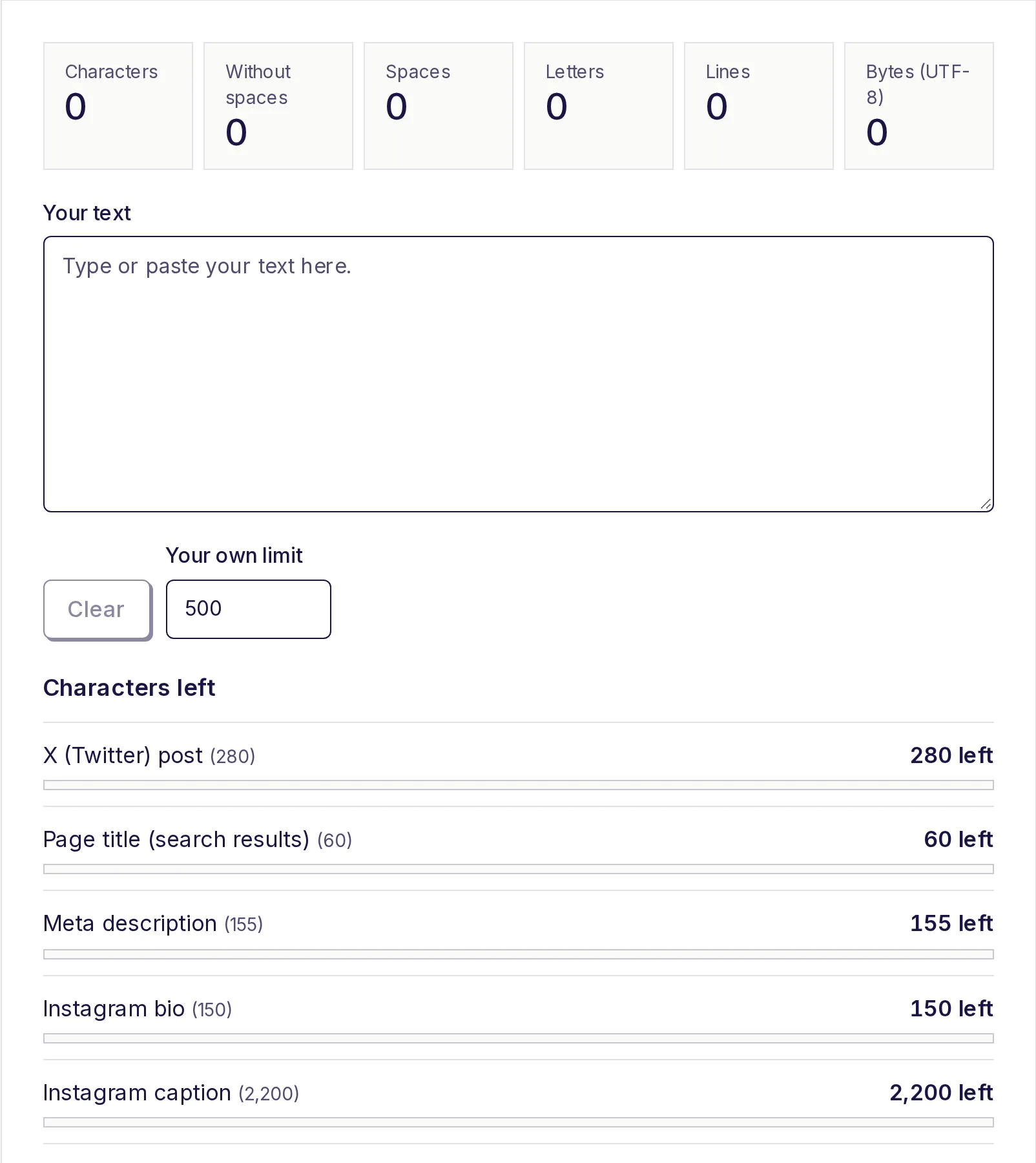
All of these appear in the counter's Characters left list, plus a line for text messages.
How each platform counts
Not every platform counts characters the same way, which is why a post that looks short enough can still be rejected.
X (Twitter). Plain letters, numbers and common punctuation count as 1. Emoji, and Chinese, Japanese or Korean characters, count as 2. Every link counts as 23 characters, whether it's a short link or a very long one. The character counter applies these same rules to its X line, so the number left there can differ from the plain character count at the top.
Text messages. A standard SMS holds 160 characters if you only use plain letters, numbers and common punctuation. Add a single emoji or certain special characters and the whole message switches to a different encoding that holds only 70. Longer messages are split into parts of 153 characters each (or 67 with emoji). The counter tells you how many parts you'll send and how many characters are left in the last one.
Everywhere else in the list. Instagram, TikTok, LinkedIn and YouTube count roughly what you see: letters, spaces, punctuation and line breaks. The counter counts an emoji as one character for these, including emoji with skin tones, because it counts what you see as one symbol. A few platforms count some emoji as two, so leave a small margin if your text is packed with them.
Search result titles and descriptions
Search engines don't enforce a strict limit on page titles and meta descriptions; they cut them short when they run out of room on the results page. About 60 characters for a title and 150 to 160 for a description is the common guide. The counter's meta description line uses 155 to give you a little safety margin. Put the important words first so nothing that matters gets cut.
Platforms not in the list
Facebook, Threads, WhatsApp, Pinterest, Google Business posts and online forms all have their own limits, and they change. For any of these, type the limit into Your own limit in the counter. It starts at 500, and the "Your limit" line updates to show what you have left.
That also works for job portals, application forms and scholarship essays that cap an answer at, say, 1,000 or 1,500 characters.
How to check a post before you publish
- Open the free character counter and paste your text.
- Read the counts at the top: characters, characters without spaces, spaces, letters, lines and bytes.
- Scroll to Characters left. Each line shows the limit in brackets and either "N left" or, in red, "N over".
- Edit until every platform you care about shows characters left.
The bars beside each limit turn yellow when you've used more than 90%, and red when you're over.
Writing tips for tight limits
- Front-load the message. Captions and posts are truncated in feeds, so the first 100 or so characters do most of the work.
- Cut filler words like "really", "just" and "very" before cutting meaning.
- Use numerals. "5" is one character; "five" is four.
- Watch emoji in texts. One emoji drops an SMS from 160 to 70 characters, which can turn one message into three.
- Don't fake capitals with fancy fonts. Decorative Unicode letters can count as 2 on X and may not be read by screen readers. If you need a different case, the free case converter changes real letters; see how to change text to uppercase or lowercase.
If your limit is in words rather than characters, such as an essay or abstract, use the free word counter instead. For a feel of how long a word count is on paper, see how many pages 1,000 words is.
Check your post now
Paste your post, bio or caption into the free character counter to see the characters left for every platform at once. It's free, there's no sign-up, and your text stays on your device.
Frequently asked questions
- What is the character limit on X (Twitter)?
- 280 characters on a standard account. Emoji and Chinese, Japanese or Korean characters count as 2, and every link counts as 23.
- How many characters can an Instagram bio have?
- 150 characters. Captions can be much longer, up to 2,200 characters, but only the first line or two show before "more".
- How long should a meta description be?
- About 150 to 160 characters. Search results cut longer ones short, so the counter warns you at 155.
- Do spaces count as characters?
- Yes, on almost every platform. The counter shows both counts, but the "Characters left" list uses the count with spaces.
- How many characters are in a text message?
- 160 with plain letters and numbers, or 70 if there's any emoji or special character. Longer messages are split into parts of 153 (or 67) characters each.
- What if my platform isn't listed?
- Type its limit into "Your own limit" and the counter shows how many characters you have left against it.
Text tools
Try the Character Counter
Free, no sign-up, works in your browser. Count characters with and without spaces as you type, and see how many you have left for X posts, text messages, meta descriptions, Instagram bios, LinkedIn, YouTube and your own limit.
Also useful
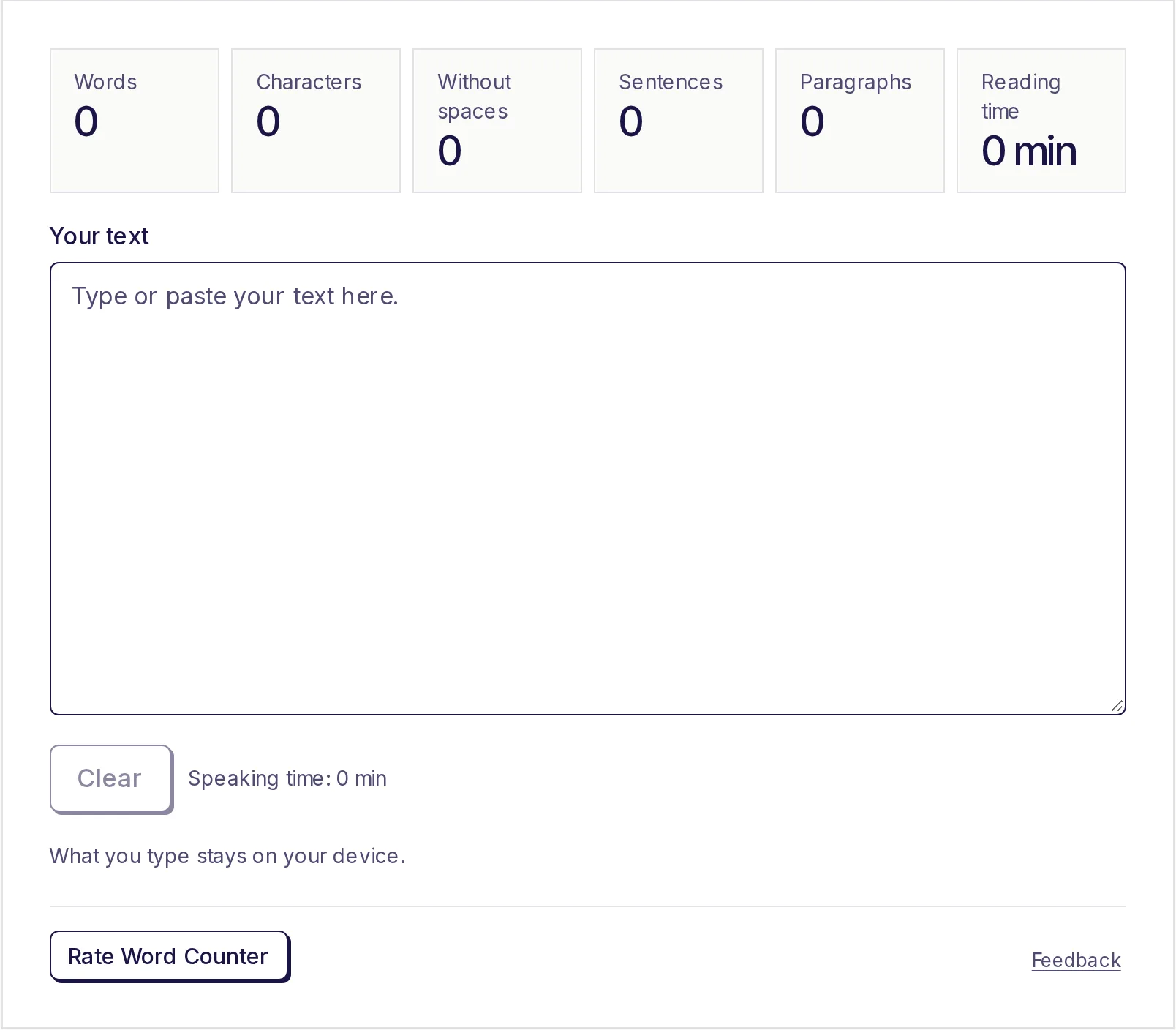
- Word CounterPaste or type your text to count words, characters (with and without spaces), sentences and paragraphs as you type, plus reading time, speaking time and your most used words. Nothing to click: the numbers update live. What you type stays on your device.
- Case ConverterPaste text and change it to UPPERCASE, lowercase, Sentence case, Title Case or Capitalized Case with one click, then copy it. Fix text typed with caps lock on, tidy headings or match a style guide in seconds.