What Is Base64? Why It's Not Encryption (Free Tool)
Base64 writes any data, even images, in 64 safe text characters so it survives email, JSON and URLs. It adds about 33% and hides nothing.
Published · 5 min read
Base64 is a way of writing any data, including images, PDFs and binary files, using only 64 plain text characters: A-Z, a-z, 0-9, + and /. It exists because a lot of systems were built to carry text, and raw bytes get mangled on the way. Base64 makes data about 33% bigger, and it isn't encryption: anyone can turn it back. Try it with the free Base64 decoder and encoder, which works both ways in your browser.
What is Base64 for? The problem it solves
Computers store everything as bytes, each a number from 0 to 255. Text is just bytes that happen to map to readable characters. But many systems only expect a safe subset of those bytes:
- Email was designed for 7-bit text. Some byte values meant "end of line" or were simply stripped by old mail servers.
- JSON, XML and HTML are text formats. You can't drop the raw bytes of a JPEG into a JSON string; quotes, backslashes and invisible control characters would break it.
- URLs and HTTP headers have their own reserved characters and size rules.
Base64 sidesteps all of that. It only uses characters that every system treats as boring, ordinary text, so the data arrives exactly as it left, and the other end converts it back to bytes.
How it works: 3 bytes become 4 characters
Base64 reads data 3 bytes (24 bits) at a time and splits those 24 bits into four 6-bit groups. Six bits can hold 64 different values, and each value maps to one character in the Base64 alphabet: 0 = A, 25 = Z, 26 = a, 51 = z, 52 = 0, 61 = 9, 62 = +, 63 = /.
Take the word Man:
| M | a | n | |
|---|---|---|---|
| Byte value | 77 | 97 | 110 |
| Bits | 01001101 | 01100001 | 01101110 |
Regroup the 24 bits into four 6-bit chunks: 010011 010110 000101 101110, which are 19, 22, 5 and 46. In the alphabet those are T, W, F and u. So Man becomes TWFu.
What the = signs mean
When the data isn't a multiple of 3 bytes, the last group is short. Base64 pads it with = so the output is still a multiple of 4 characters:
| Text | Base64 |
|---|---|
Man |
TWFu |
Ma |
TWE= |
M |
TQ== |
One = means the last group had 2 bytes; two means it had 1. Padding carries no data, so many systems drop it, and good decoders, including ours, work without it.
Why Base64 is about 33% bigger
Every 3 bytes become 4 characters, so the output is 4/3 the size of the input, plus up to two padding characters. A 1 MB image (1,048,576 bytes) becomes 1,398,104 characters of Base64, about 1.33 MB. Some formats, like email, also insert a line break every 76 characters, adding a little more.
That cost is why you shouldn't Base64-encode big images into web pages. A tiny icon as a data URL saves a network request; a 500 KB photo as a data URL bloats your HTML and can't be cached separately. Our image to Base64 converter shows the output size so you can judge.
Where you meet Base64
- Email attachments. Your photo is Base64 inside the message's source; your mail app decodes it for you.
- Data URLs in HTML and CSS:
data:image/png;base64,iVBORw0KGgo... - JSON Web Tokens. The header and payload are Base64URL-encoded JSON. See how to decode a JWT.
- HTTP Basic authentication.
user:passis sent asdXNlcjpwYXNz, which is exactly why Basic auth must only be used over HTTPS. - API payloads and config files that need to carry a file, a certificate or a binary key inside a text format.
Base64URL: the web-friendly variant
+ and / mean something in web addresses, and = is used in query strings. Base64URL replaces + with - and / with _, and usually leaves off the padding, so Hi? becomes SGk_ instead of SGk/. It's the same idea with two characters swapped. In the free Base64 encoder, switch to Encode to Base64 and tick URL-safe to produce it; the decoder reads both kinds automatically. For text that only needs to be safe in a URL, URL encoding is usually the better tool.
Base64 is not encryption
This is the most important point. Base64 has no key and no secret. Every decoder in the world reads it the same way, instantly. It's encoding, a change of format, like writing a number in Roman numerals.
| Purpose | Reversible? | Needs a key? | |
|---|---|---|---|
| Encoding (Base64, URL encoding) | Change the format so data travels safely | Yes, by anyone | No |
| Encryption (AES, RSA) | Keep data secret | Yes, with the key | Yes |
| Hashing (SHA-256) | Fingerprint data, check it hasn't changed | No | No |
So never use Base64 to "hide" a password in a config file, a script or a URL. It stops nobody. If you need to check that a file hasn't changed, use a hash generator; if you need to keep data secret, use real encryption.
Try it yourself
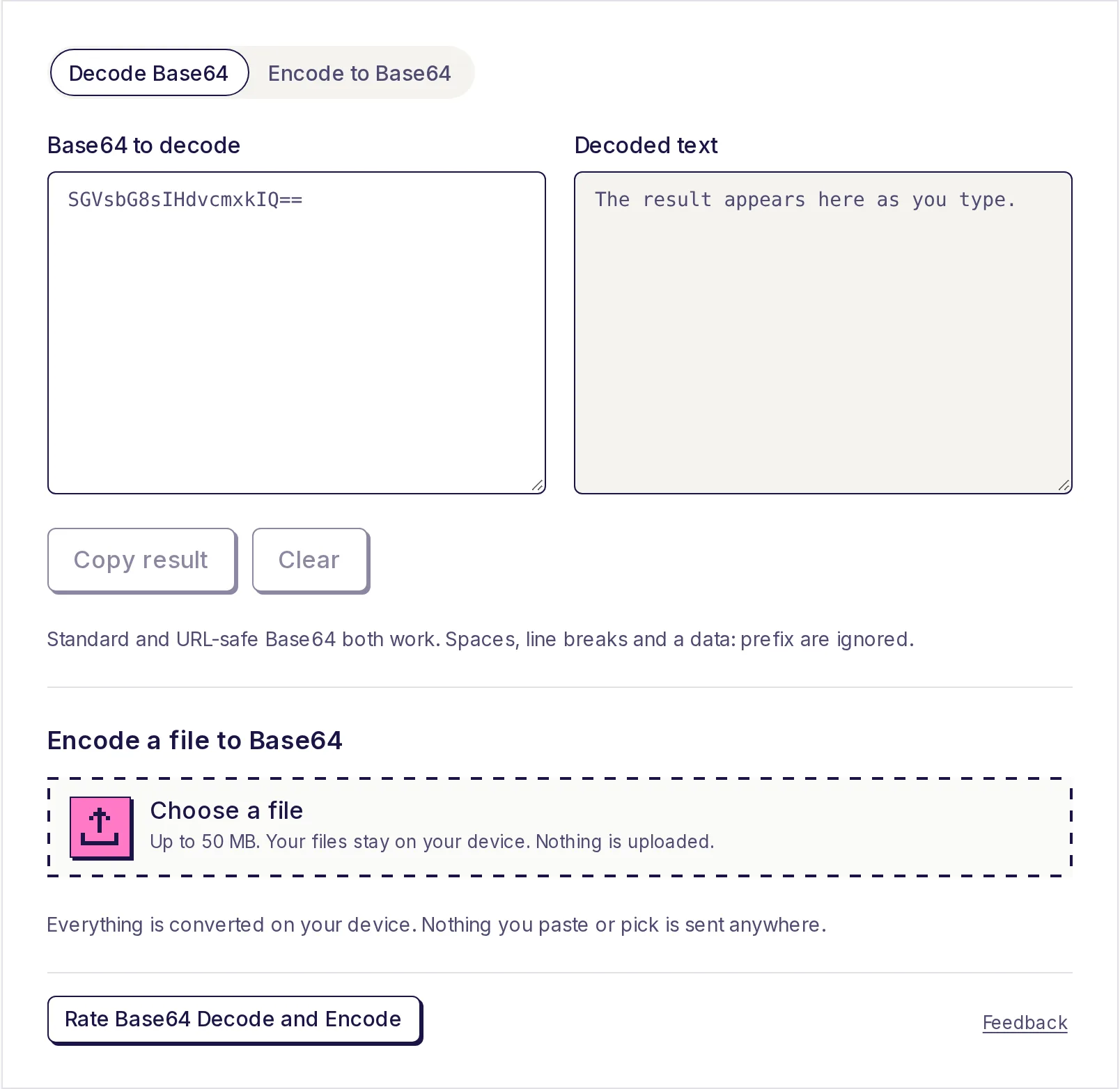
The tool opens in decode mode, so choose Encode to Base64, type a word and watch the Base64 appear, then switch to Decode Base64 and paste it back. The free Base64 decoder and encoder handles text in any language, URL-safe Base64 and files up to 50 MB, all on your device. For step-by-step decoding tips, see how to decode a Base64 string.
Frequently asked questions
- What is Base64 used for?
- Carrying binary data, like images and files, through systems that expect text: email attachments, data URLs, JSON APIs, JWTs and HTTP headers.
- Is Base64 encryption?
- No. It's encoding. Anyone can decode it without a key, so it gives no protection to passwords or private data.
- Why does Base64 end with = or ==?
- The = signs are padding, added when the data's length isn't a multiple of 3 bytes. They carry no information and are often left off.
- How much bigger does Base64 make a file?
- About 33%. Every 3 bytes become 4 characters, so a 300 KB image becomes roughly 400 KB of Base64 text.
- What's the difference between Base64 and Base64URL?
- Base64URL swaps + and / for - and _, and usually drops the padding, so the result is safe in web addresses and file names.
Developer tools
Try Base64 Decode and Encode
Free, no sign-up, and your files stay on your device. Decode Base64 to readable text, or encode text to Base64, as you type.
Also useful
- Image to Base64Turn a JPG, PNG, WebP, GIF, SVG or ICO image into Base64 text, ready to paste as a data URI, an HTML <img> tag or a CSS background. Copy it or download it as a .txt file. Your image stays on your device and is never uploaded.
- URL Encode / DecodeEncode text for a URL or decode %20-style percent-encoding back to readable text, as you type. Paste a full link to see its query parameters listed and decoded, and choose whether spaces become %20 or +. Nothing leaves your device.
- Hash GeneratorGet the MD5, SHA-1, SHA-256, SHA-384 and SHA-512 hash of any text as you type, or the checksum of a file up to 500 MB, and compare it with the one a download page lists. All five hashes appear at once.